
How to sell a gift card on KnoxxPay
Short answer
Tap Gift cards, pick your card and check the rate. Upload the front and back, enter the value and code, then tap Confirm exchange. Verification usually takes 1 to 5 minutes. Once approved, the Naira goes into your KnoxxPay wallet.
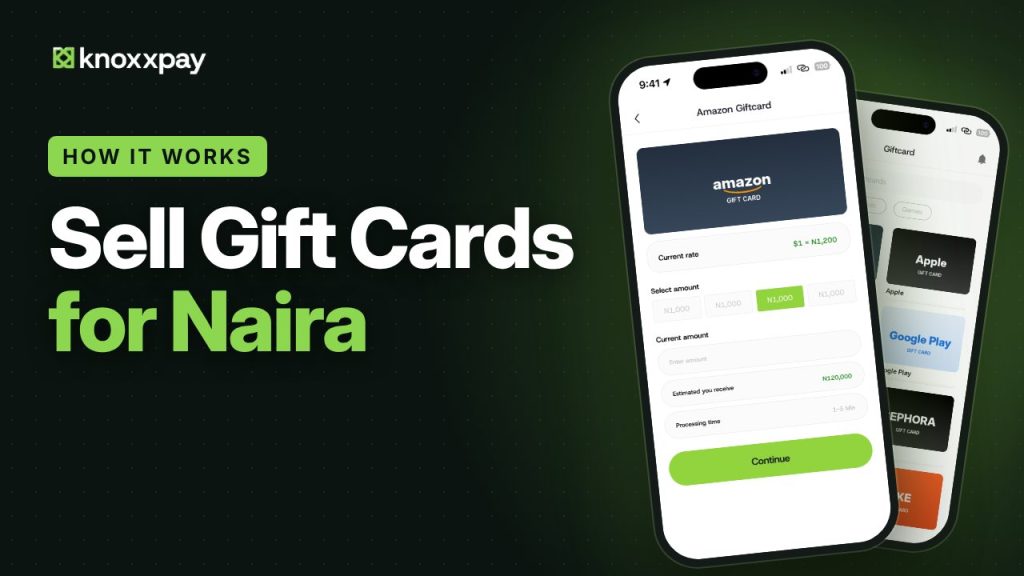 Video guide coming soonFollow the steps below for now.
Step by step
Step 1
Open Gift cards and pick your card
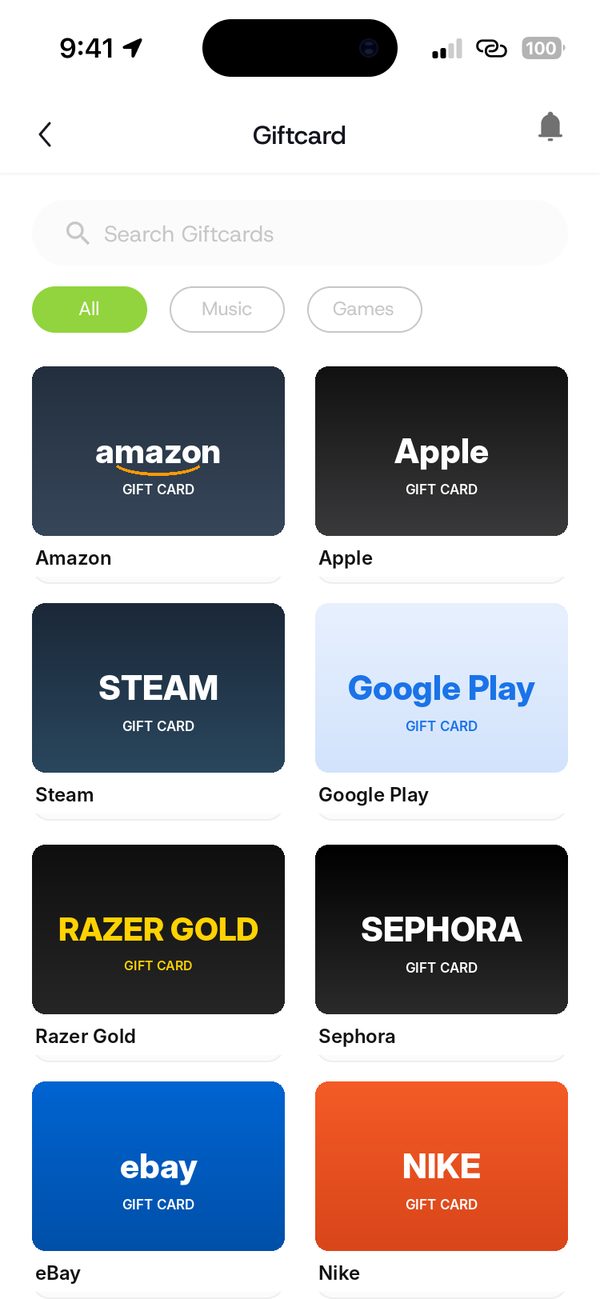
Tap Gift cards and choose the brand you want to sell, like Amazon.
Step 2
Check the rate and pick an amount
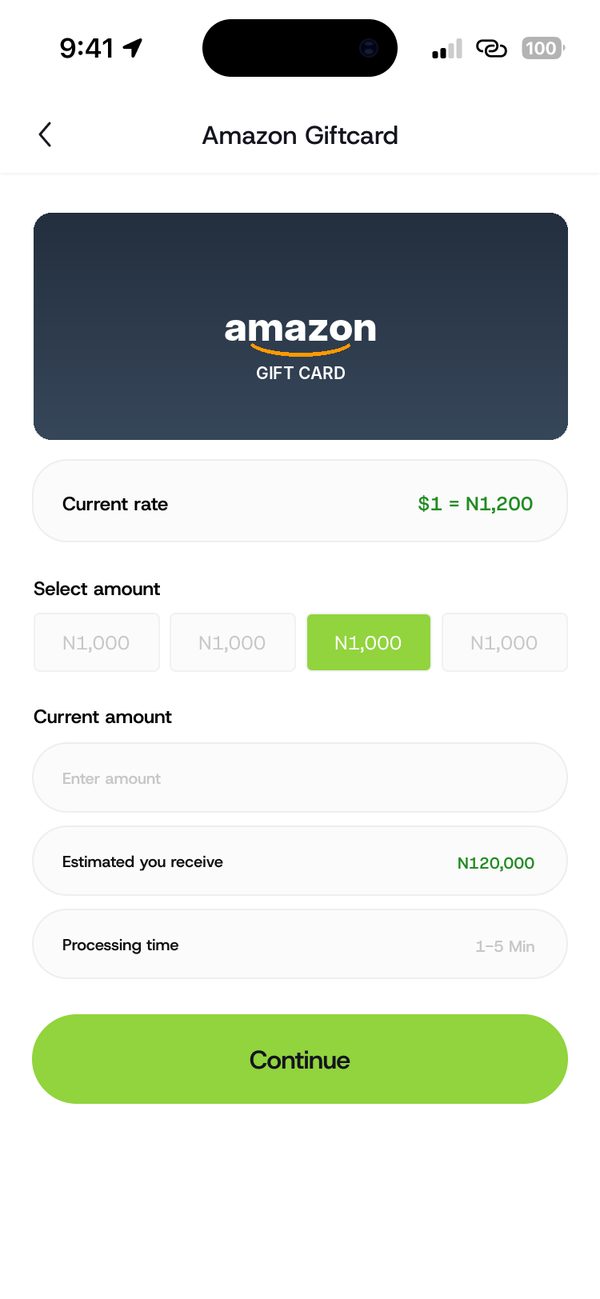
The current rate shows at the top. Pick an amount and see what you will receive.
Step 3
Upload the card and enter the code
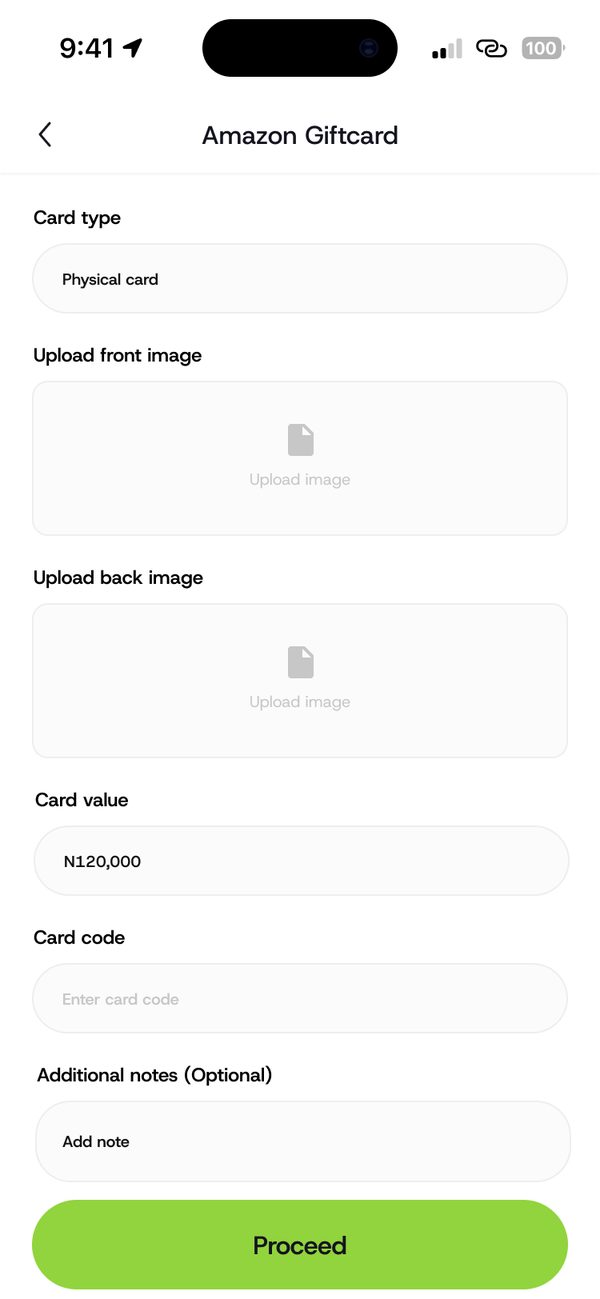
Choose the card type. Upload clear photos of the front and back, then enter the value and code.
Step 4
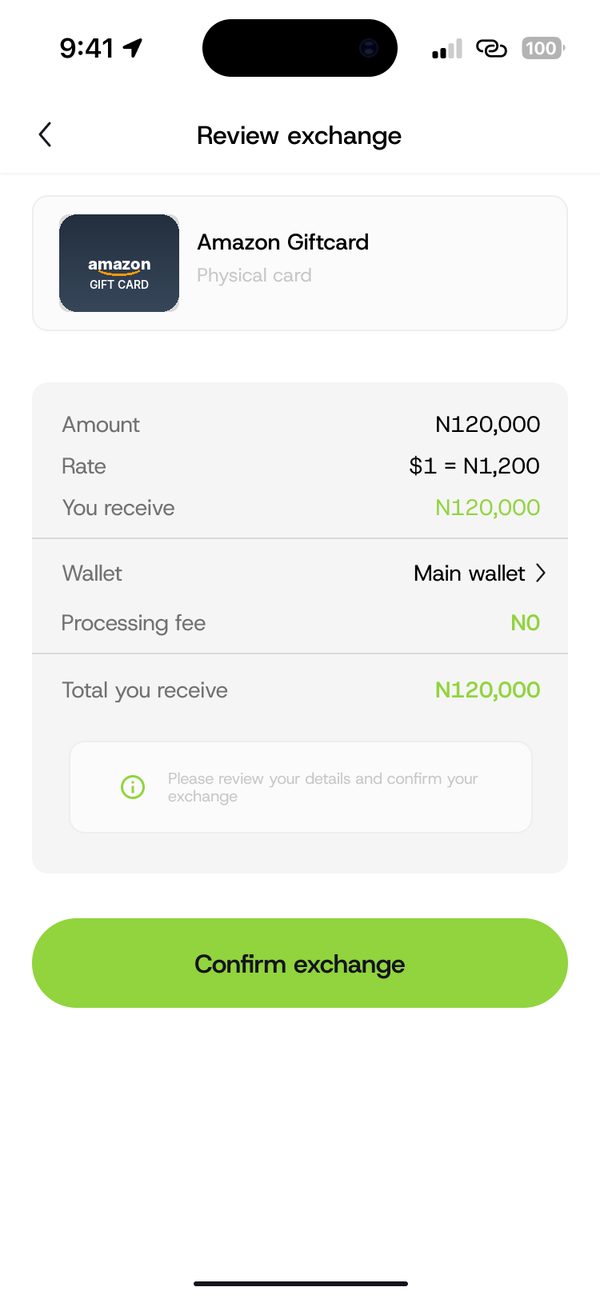
Review and confirm
Check the amount, rate and what you receive. Tap Confirm exchange.
Step 5
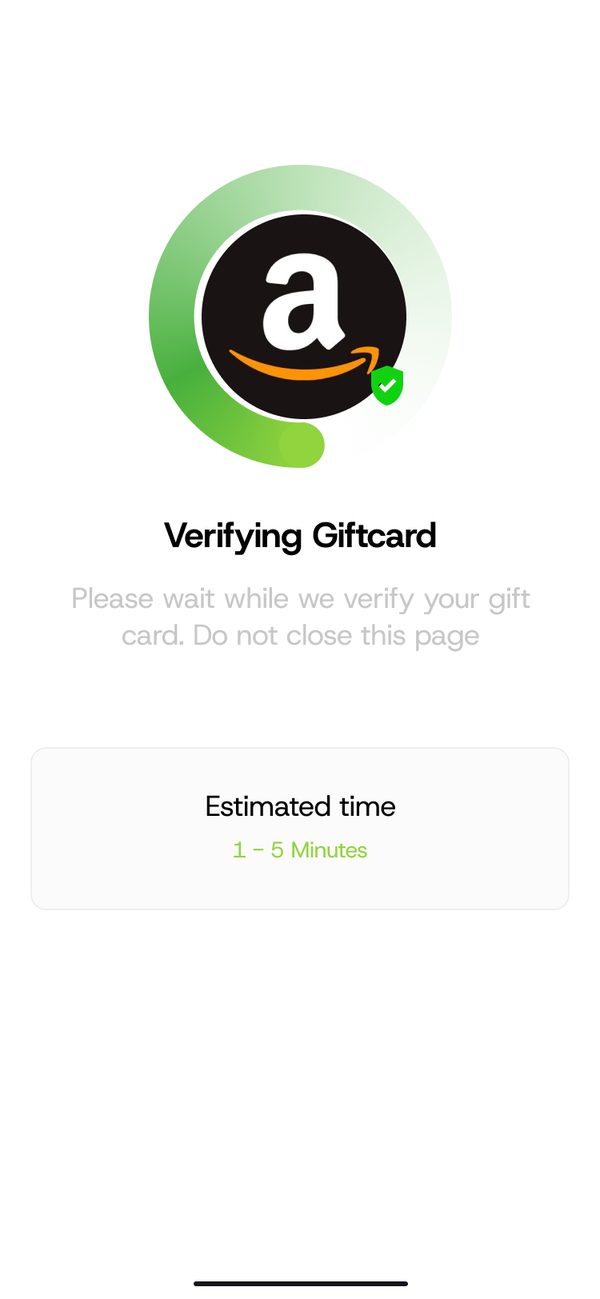
Wait for verification
This usually takes 1 to 5 minutes. Keep the page open.
Step 6
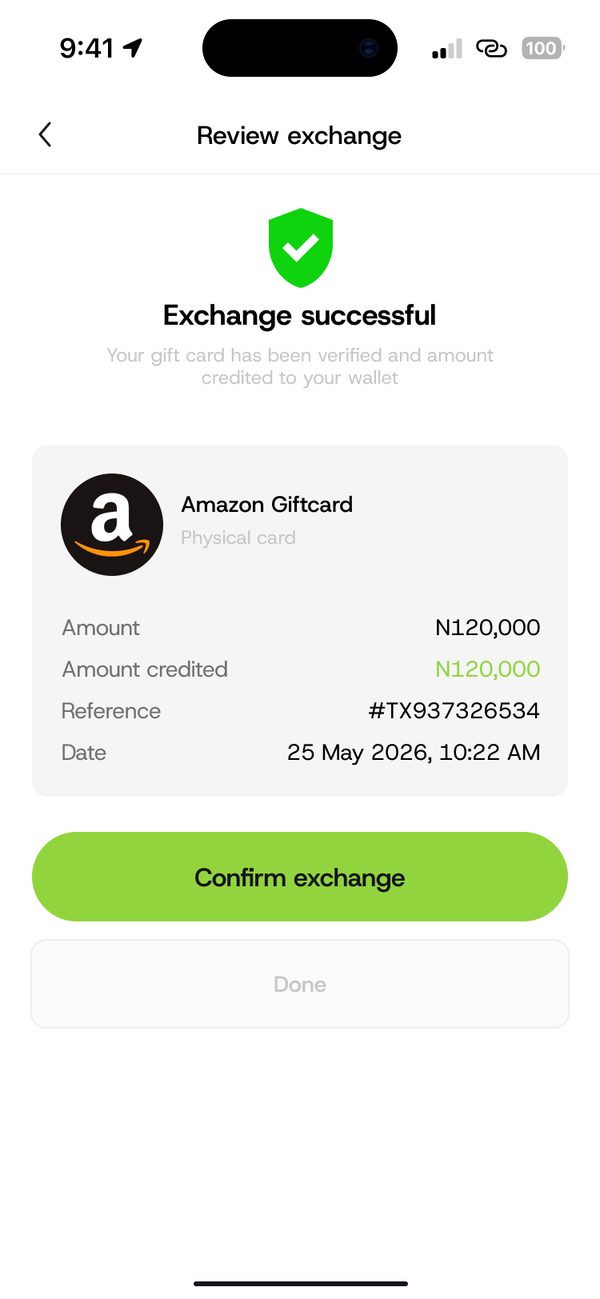
Get your Naira
Once approved, the Naira is added to your wallet.
If something goes wrong
- Card already redeemed: the trade fails and shows this reason.
- Wrong card type: check physical card or e-code before you upload.
- Blurry photos: retake them with the code fully in view.
Questions people ask
How long does it take to get paid?
Verification usually takes 1 to 5 minutes. Then the Naira goes into your wallet.
Can I see the rate before I sell?
Yes. The rate and the amount you will receive show before you confirm.
Was this article helpful?
Still need help?
Chat with us. A real person will pick it up.