
How to buy a gift card on KnoxxPay
Short answer
Tap Gift cards and pick a brand. Choose the country and amount, add an email if you want the code sent there, then tap Buy now. Pay from your KnoxxPay wallet. Your gift card code shows on screen with a Copy code button.
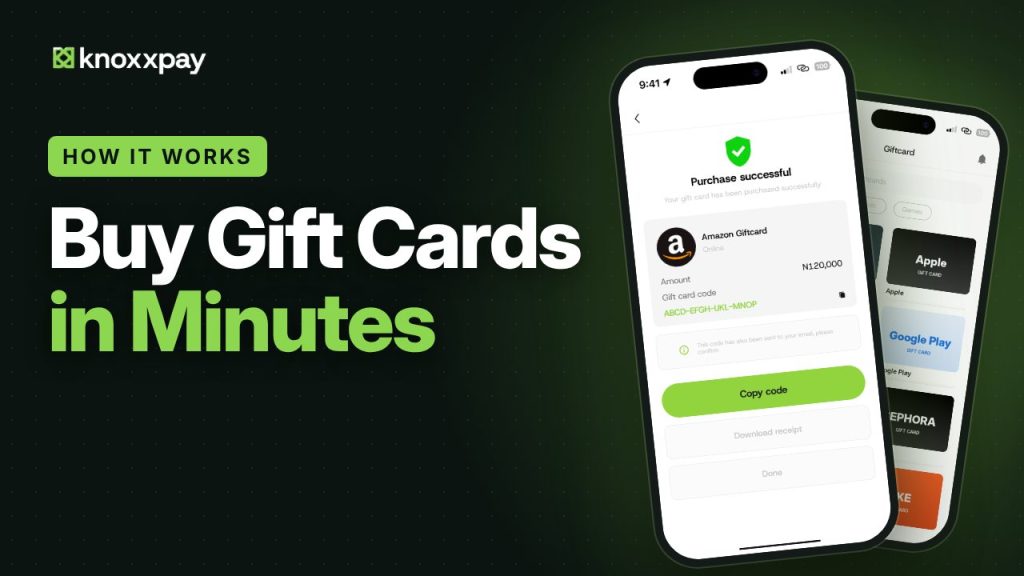 Video guide coming soonFollow the steps below for now.
Step by step
Step 1
Pick a brand
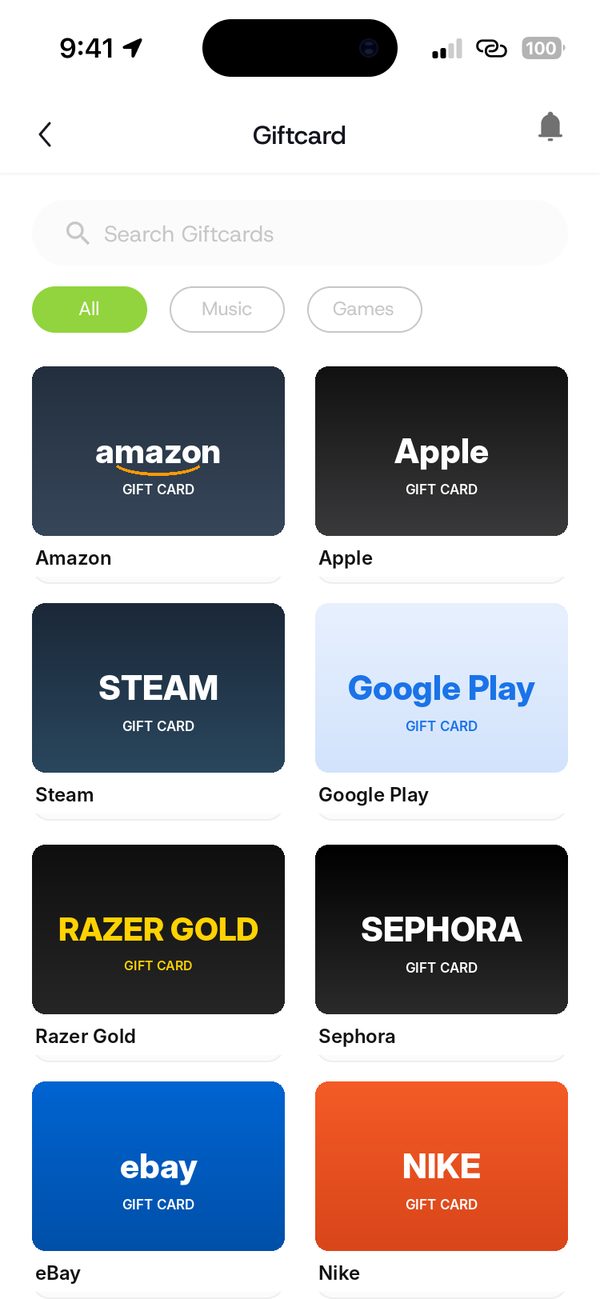
Tap Gift cards and choose the brand you want, like Amazon.
Step 2
Choose country and amount
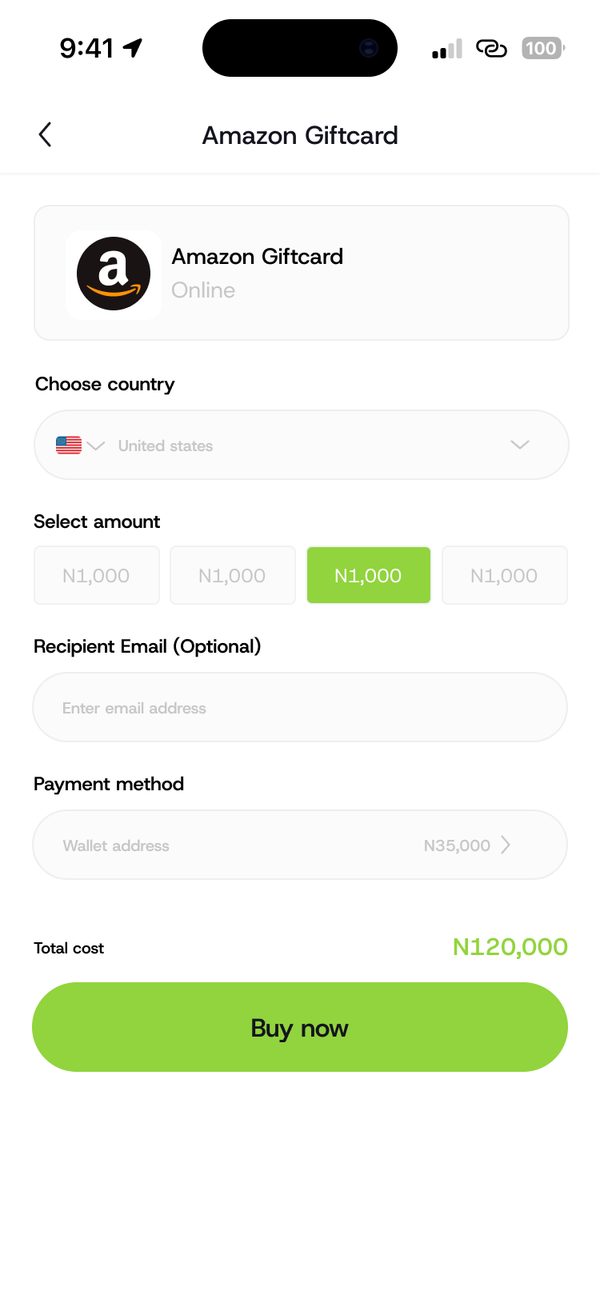
Select the country, then pick an amount. You can add an email address if you want the code sent there.
Step 3
Pay from your wallet
Your wallet is the payment method. Check the total cost, then tap Buy now.
Step 4
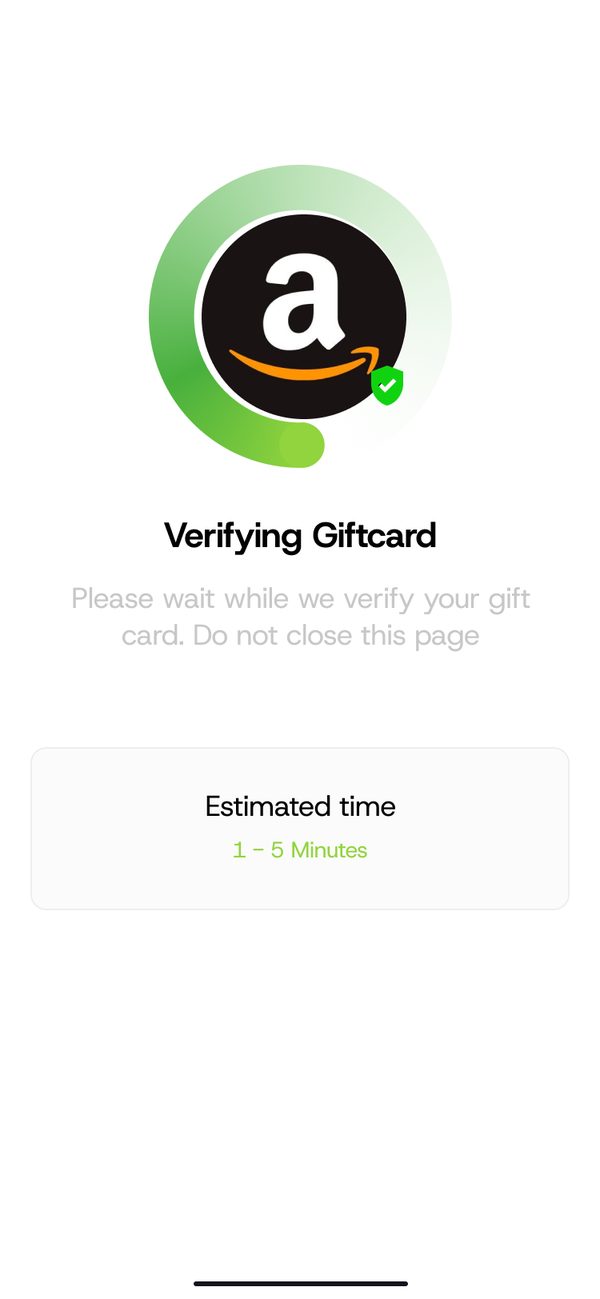
Wait a moment
Your order is processed. This usually takes a few minutes.
Step 5
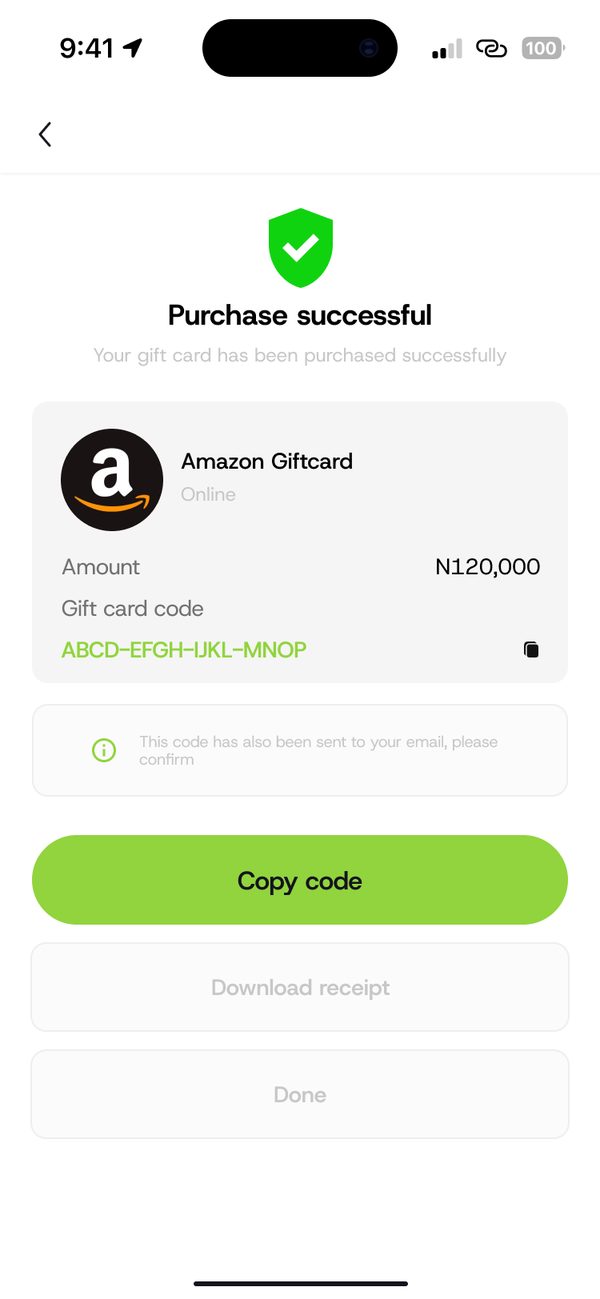
Copy your code
Your gift card code appears on screen. Tap Copy code and use it.
If something goes wrong
- Insufficient balance: the app shows how much is missing. Top up your wallet and try again.
Questions people ask
Where do I find my gift card code later?
Open Transactions and tap the purchase to see its details.
Was this article helpful?
Still need help?
Chat with us. A real person will pick it up.