Crypto
Pick the coin and network, see the fees before you pay, and sell to your Naira wallet when you are ready. Crypto prices can go up and down.
Read the step-by-step guide →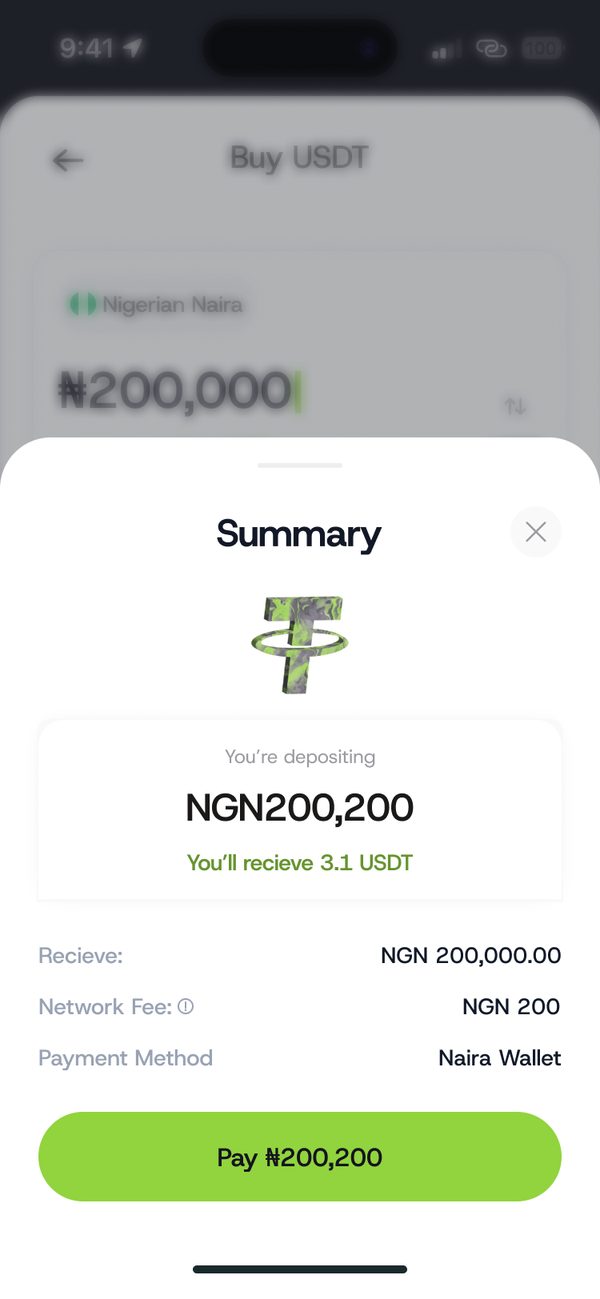
How it works
Step 1
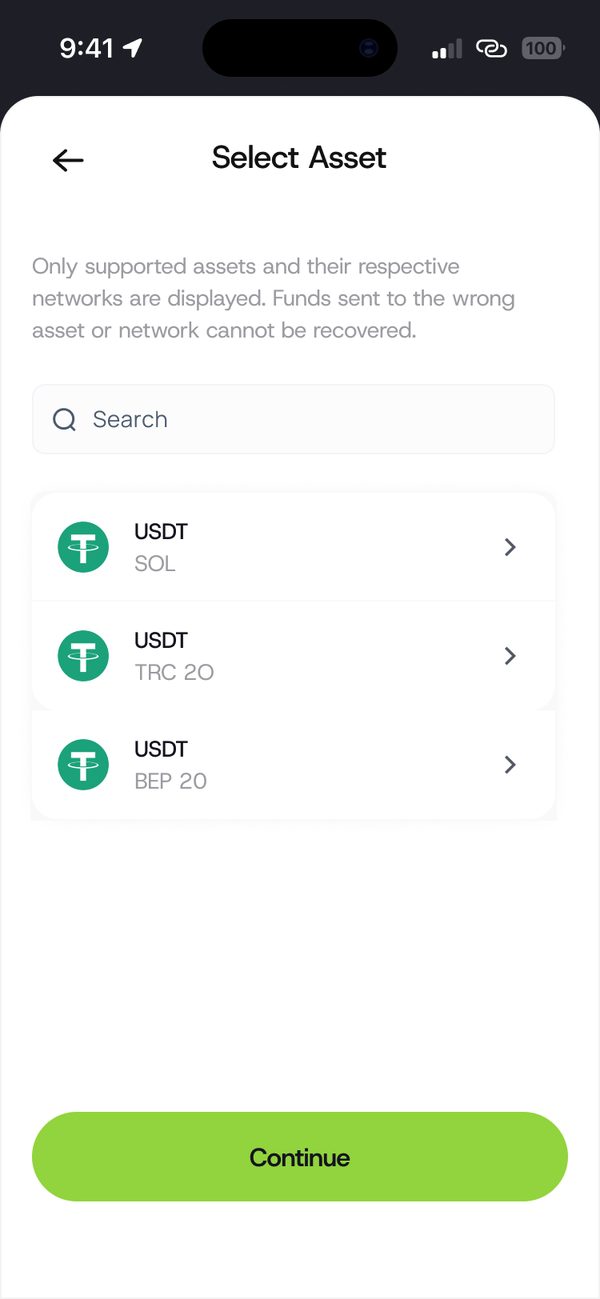
Choose the asset and network you want.
Step 2
See what you will receive and the fees.
Step 3
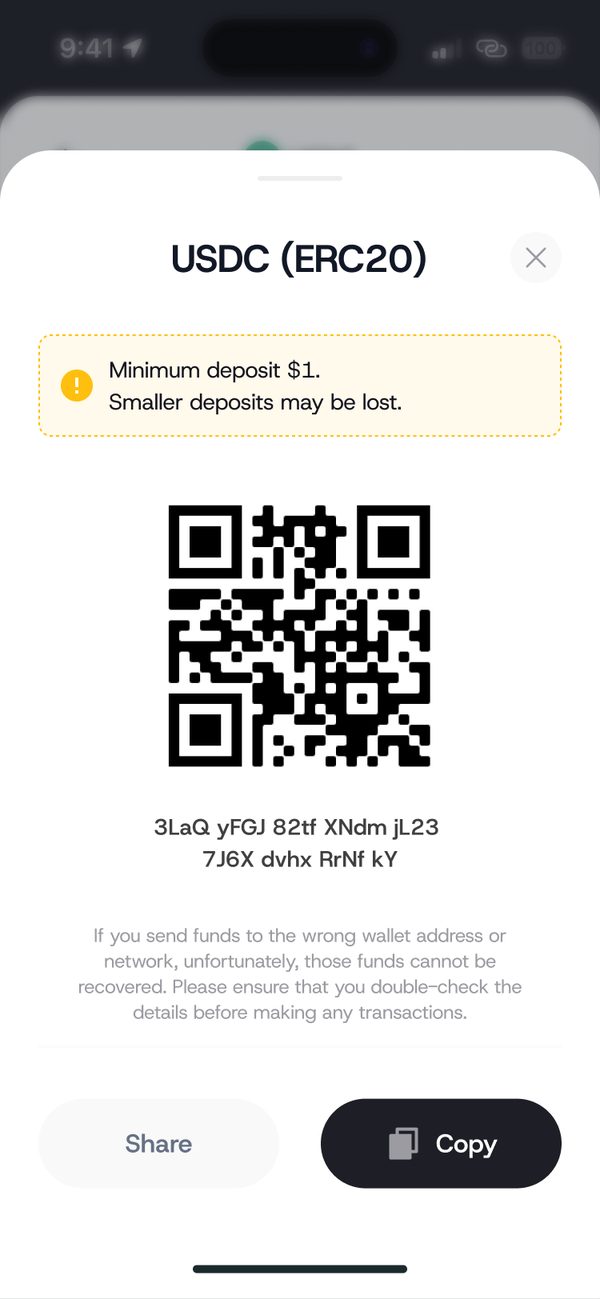
Use your wallet address or QR code.
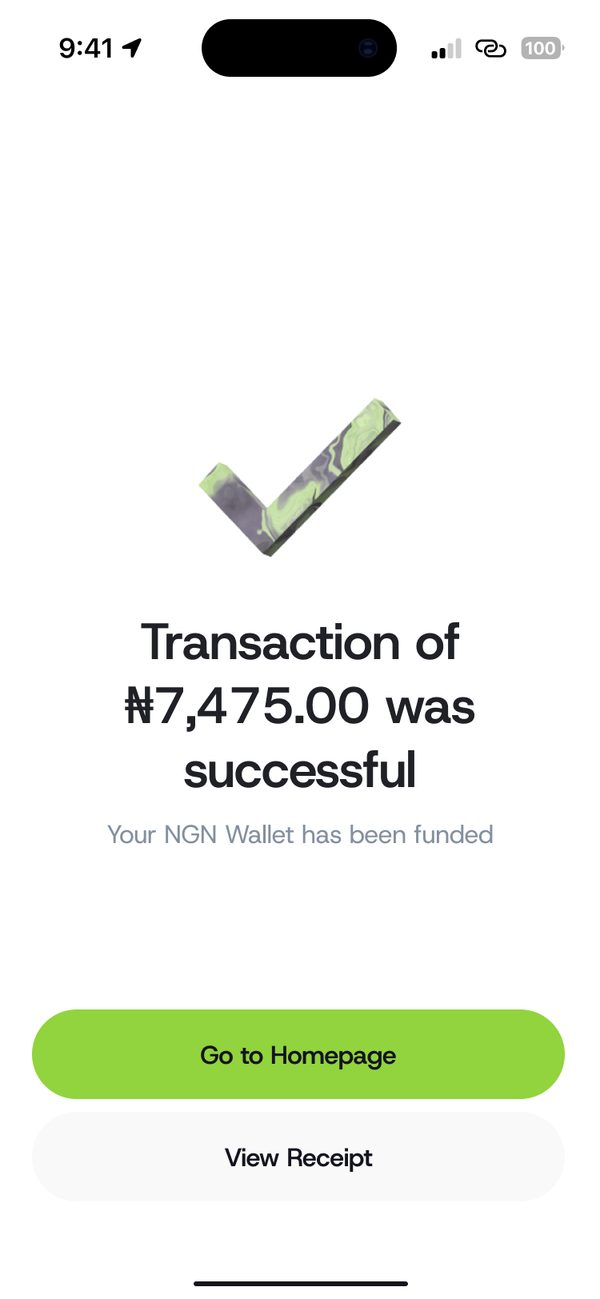
Step 4
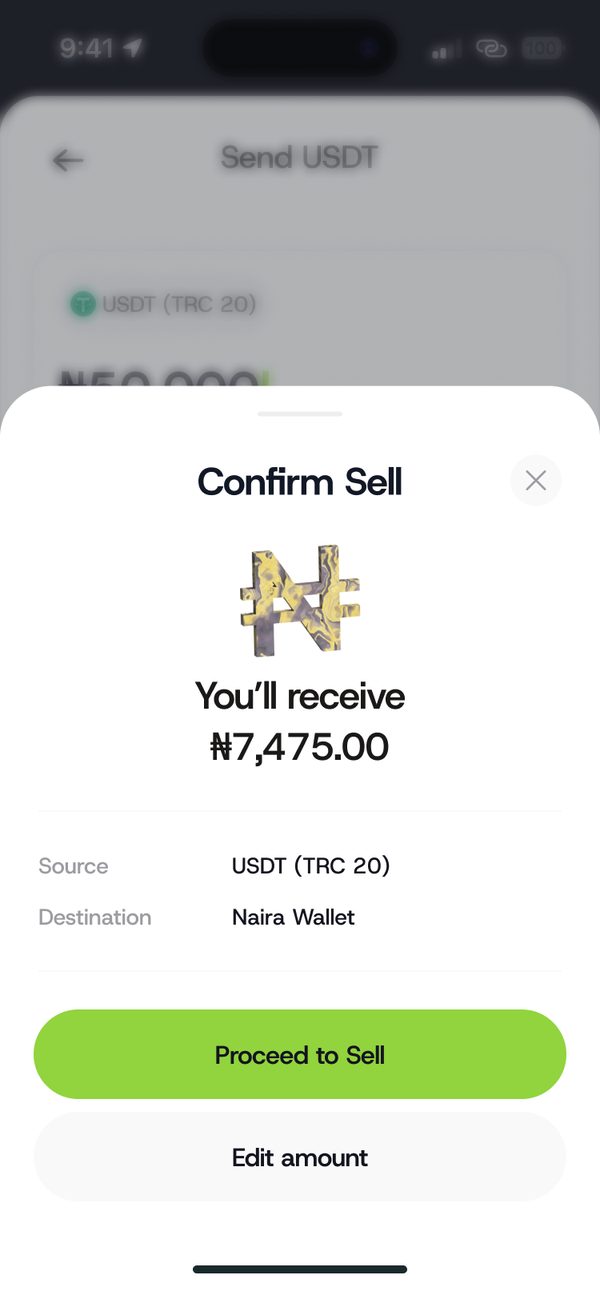
Sell and the Naira goes to your wallet.
The summary shows fees before you pay.
Get a notification right away if a transaction looks suspicious.
Move from crypto to your Naira wallet in a few taps.
Questions
Yes. The summary shows the fees before you pay.
Always match the network with the sender or receiver. Sending on the wrong network can lose funds.
Yes. Crypto prices can go up and down, so only use money you can afford to hold.
Sign up, fund your wallet and make your first payment.
