
How to pay for your TV subscription
Short answer
Tap Bill payments, then TV subscriptions. Choose your TV provider, pick a package, enter your smartcard or decoder number and tap Purchase sub.
Video guide coming soonFollow the steps below for now.
Step by step
Step 1
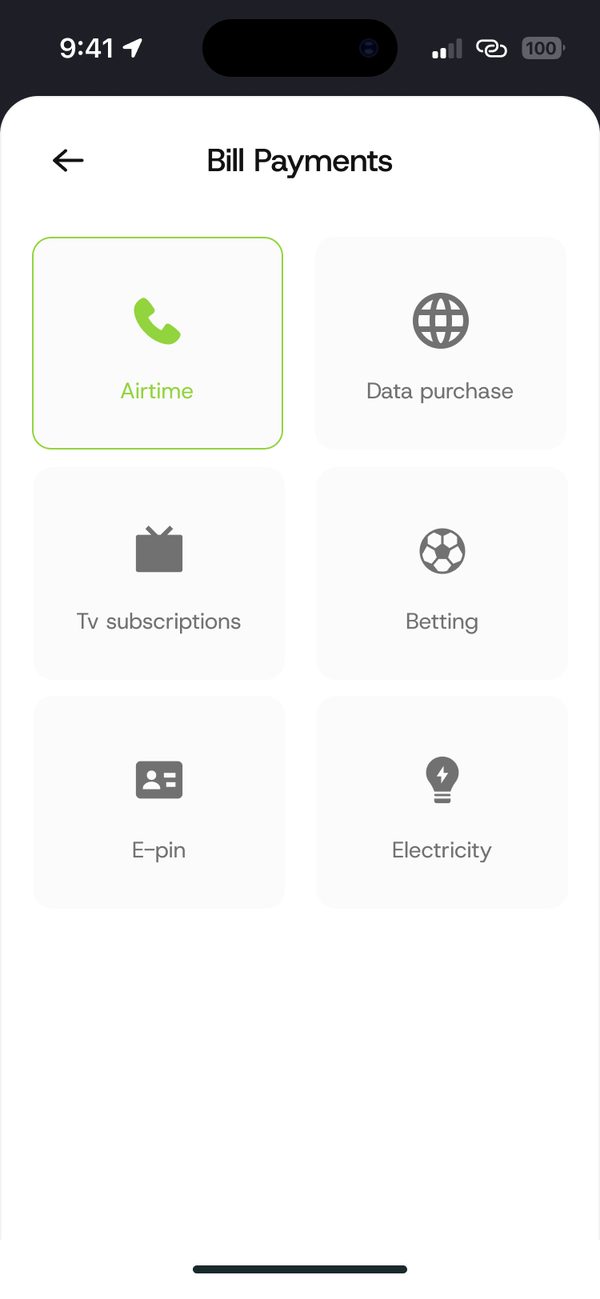
Open TV subscriptions
Tap Bill payments, then TV subscriptions.
Step 2
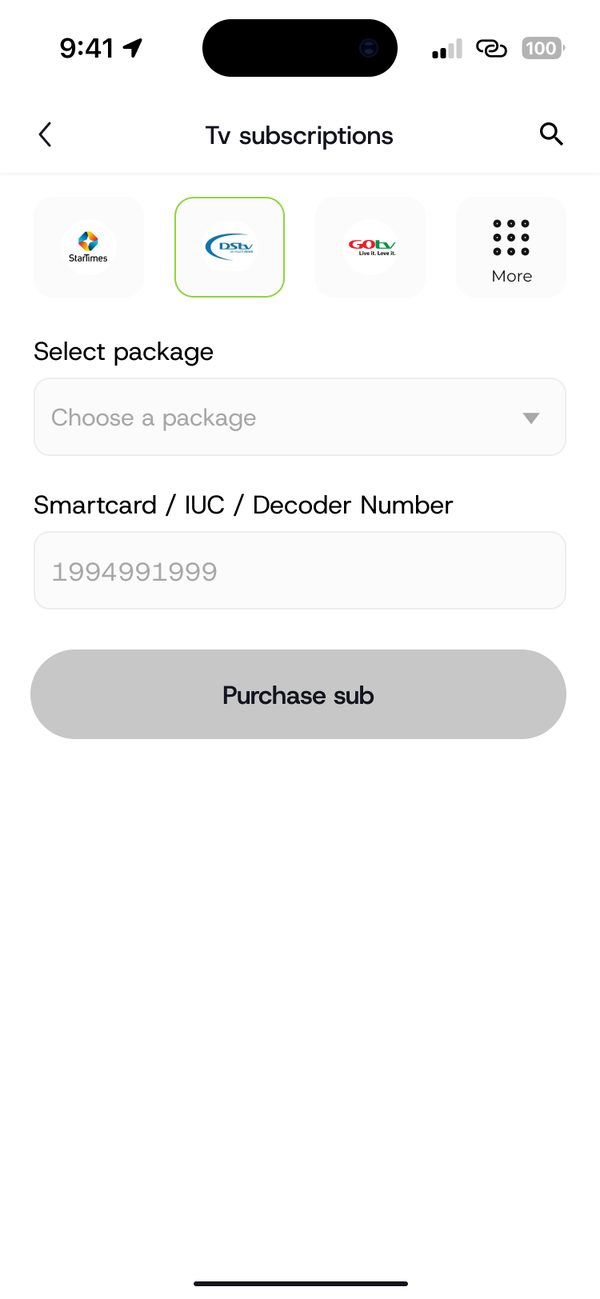
Choose provider, package and smartcard
Pick your provider and package, then enter your smartcard, IUC or decoder number.
If something goes wrong
- Wrong smartcard number: check it on your decoder before paying.
Was this article helpful?
Still need help?
Chat with us. A real person will pick it up.