
How to fund your betting wallet
Short answer
Tap Bill payments, then Betting. Choose your platform, like SportyBet, enter your customer ID and pick an amount. Tap Purchase, check the summary and tap Confirm and Pay. Betting is for people 18 and over only.
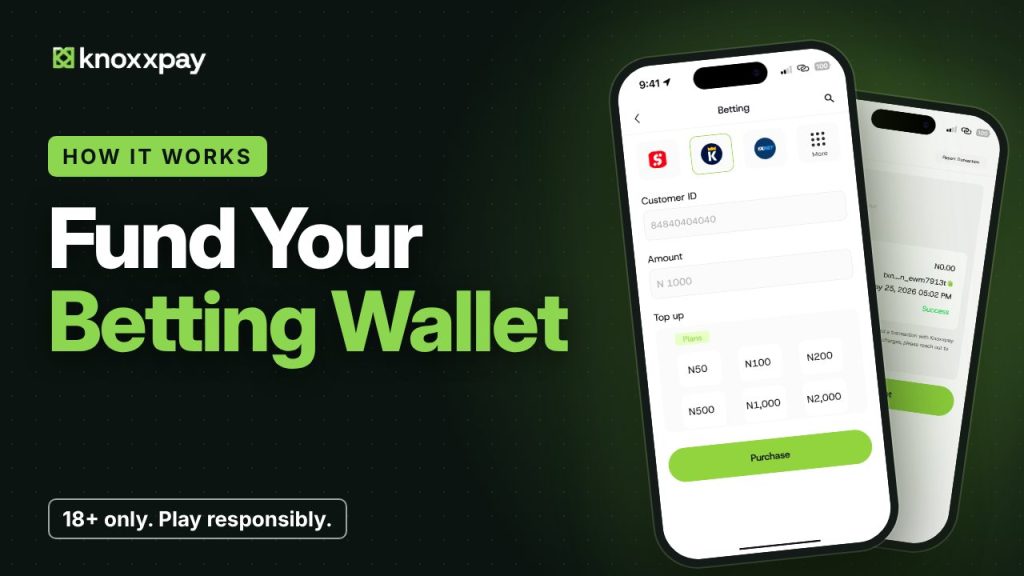 Video guide coming soonFollow the steps below for now.
Step by step
Step 1
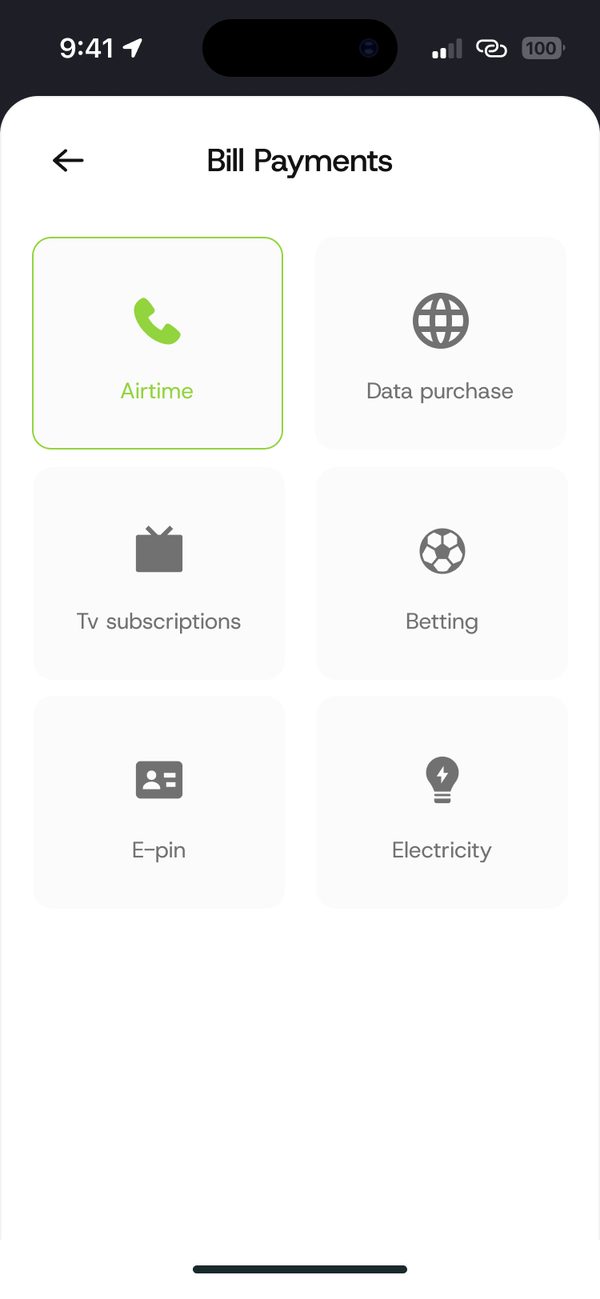
Open Betting
Tap Bill payments, then Betting.
Step 2
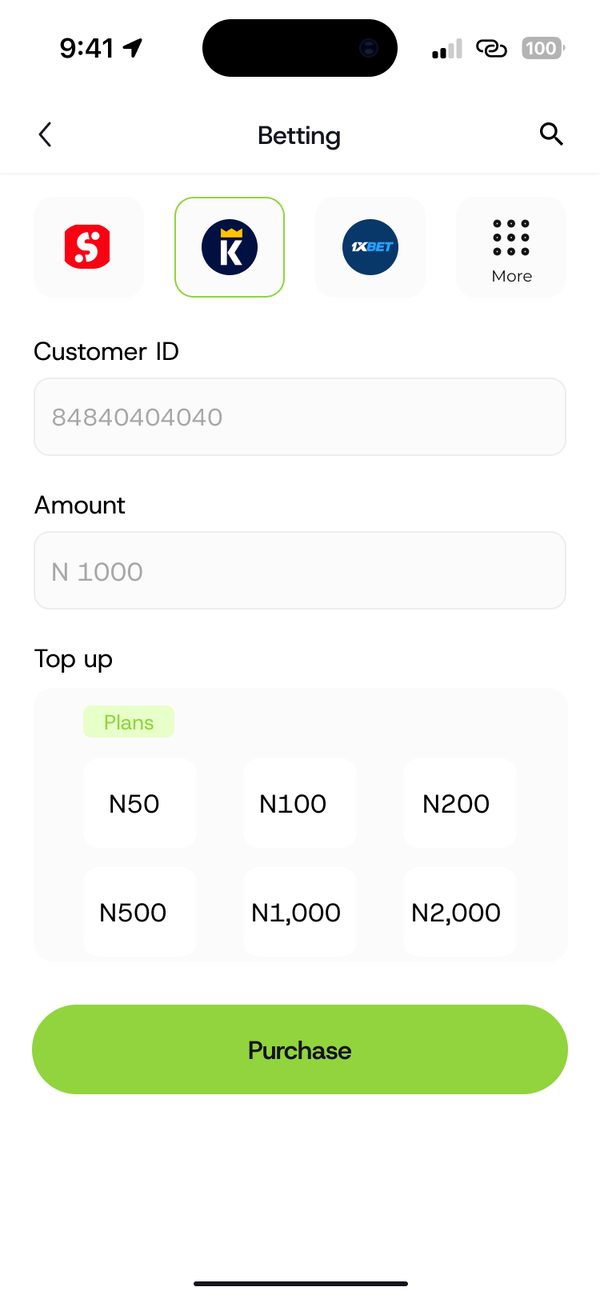
Choose platform, ID and amount
Pick your platform, enter your customer ID and choose or type an amount.
Step 3
Confirm and pay
Check the platform, customer ID and amount, then tap Confirm and Pay.

Step 4
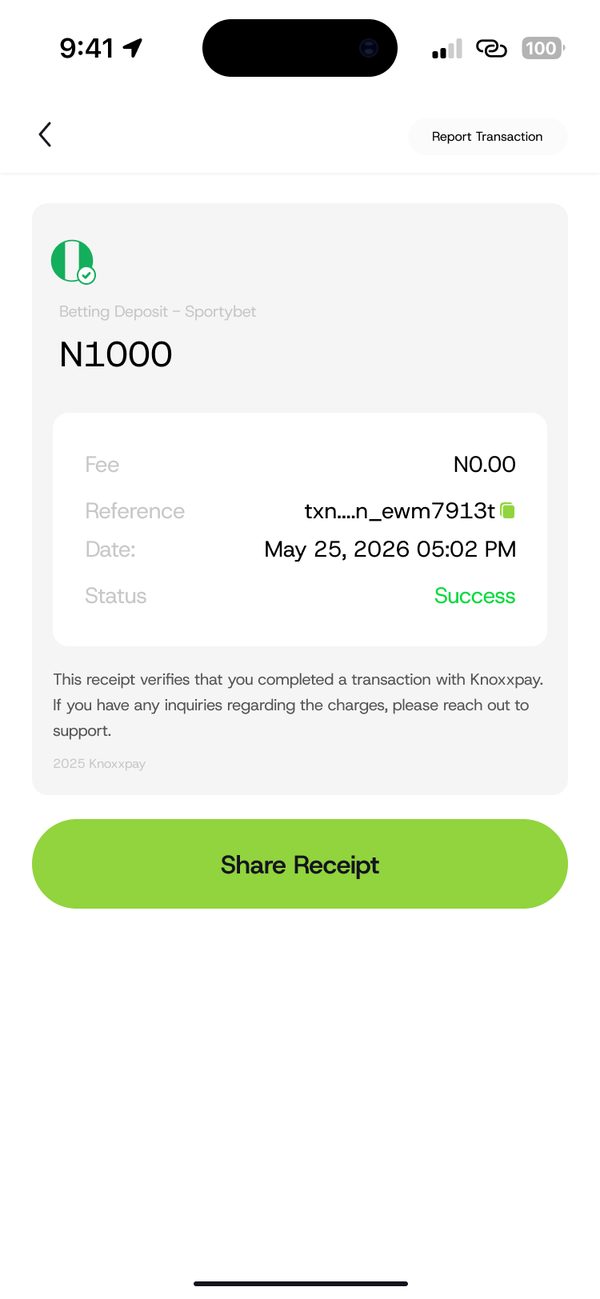
Share your receipt
Your betting wallet is funded. Tap Share Receipt if you need proof.
If something goes wrong
- Wrong customer ID: check your ID in your betting account before you pay.
Questions people ask
Who can use this?
Only people aged 18 and over. Please play responsibly.
Was this article helpful?
Still need help?
Chat with us. A real person will pick it up.