USD account
Get your own USD account details. Share them with clients, platforms or family abroad, send a payment link, and hold dollars or swap to Naira.
Read the step-by-step guide →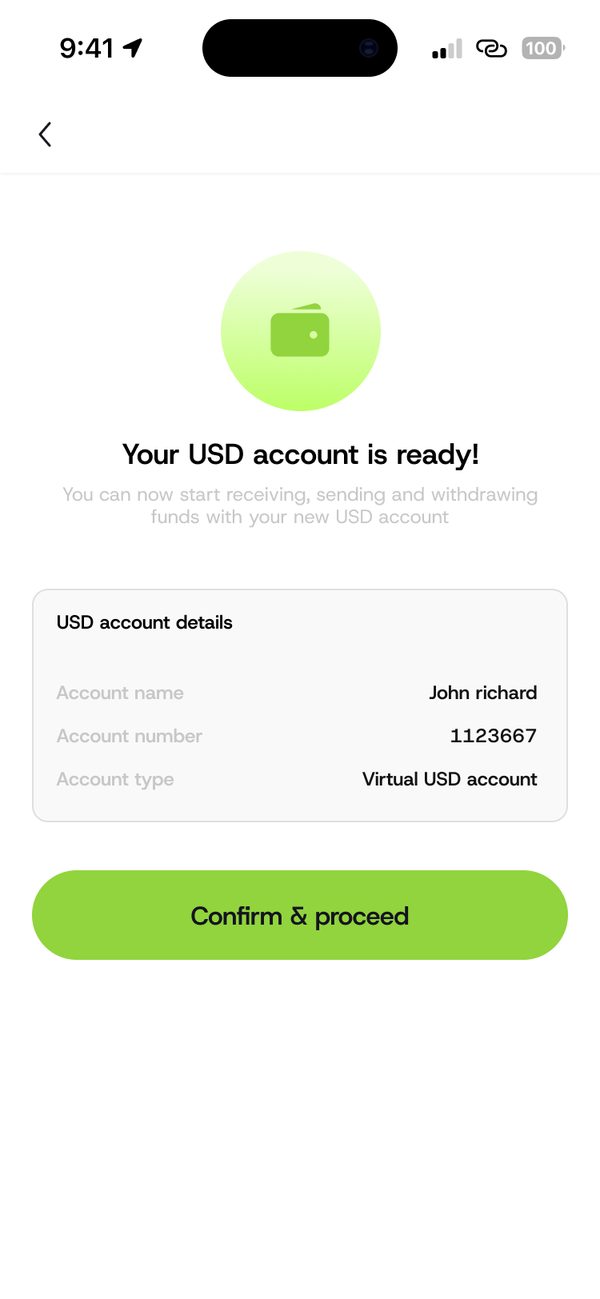
How it works
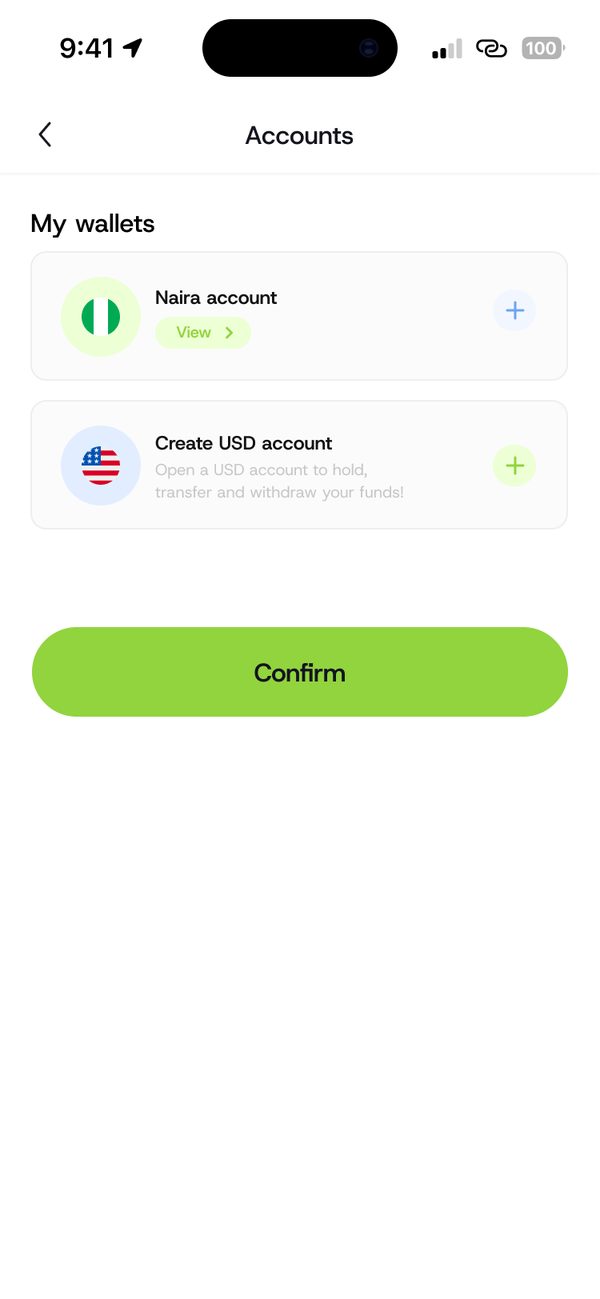
Step 1
Tap Create USD account, then Proceed.
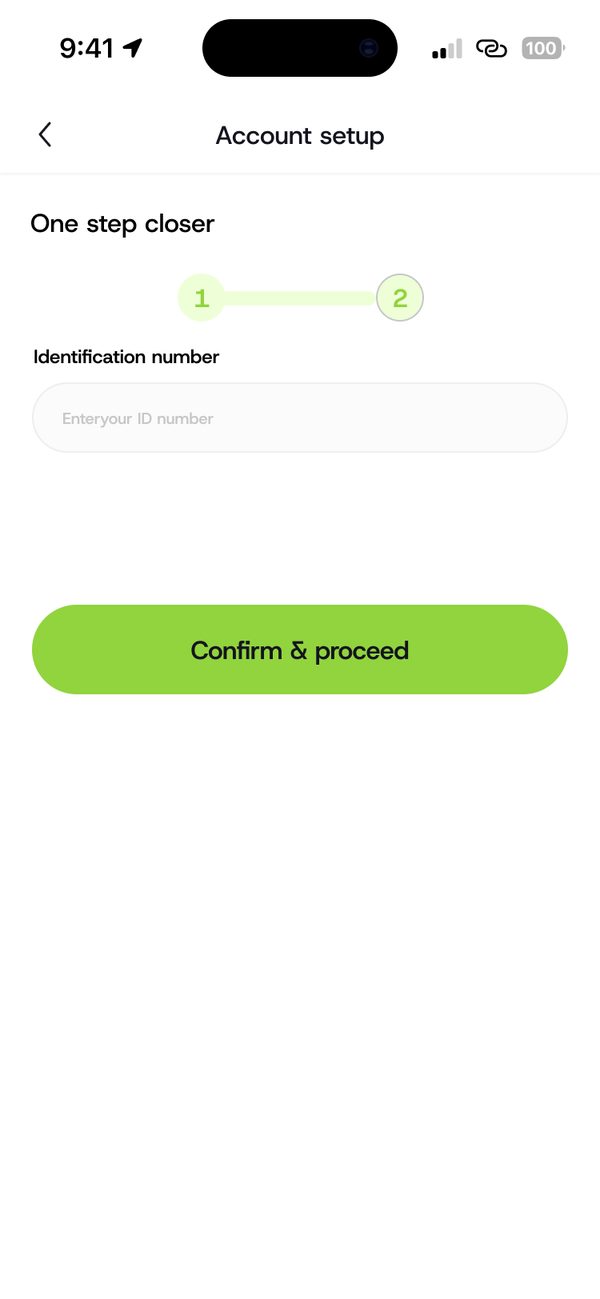
Step 2
Enter your identification number and confirm.
Step 3
Your account name and number show on screen.
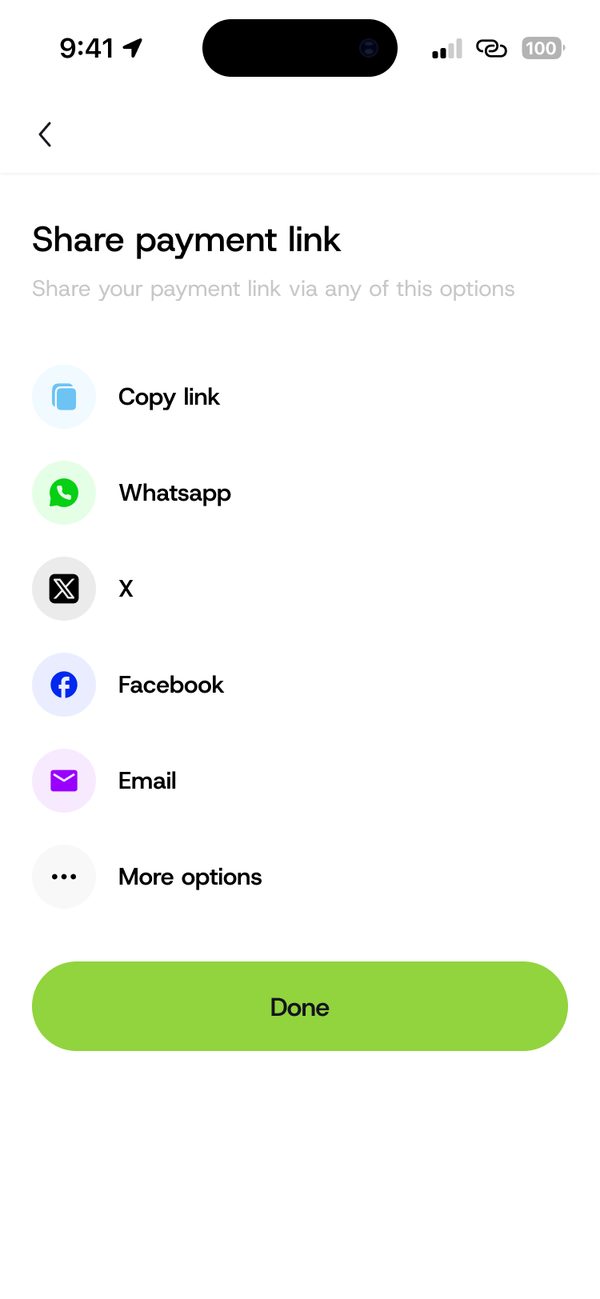
Step 4
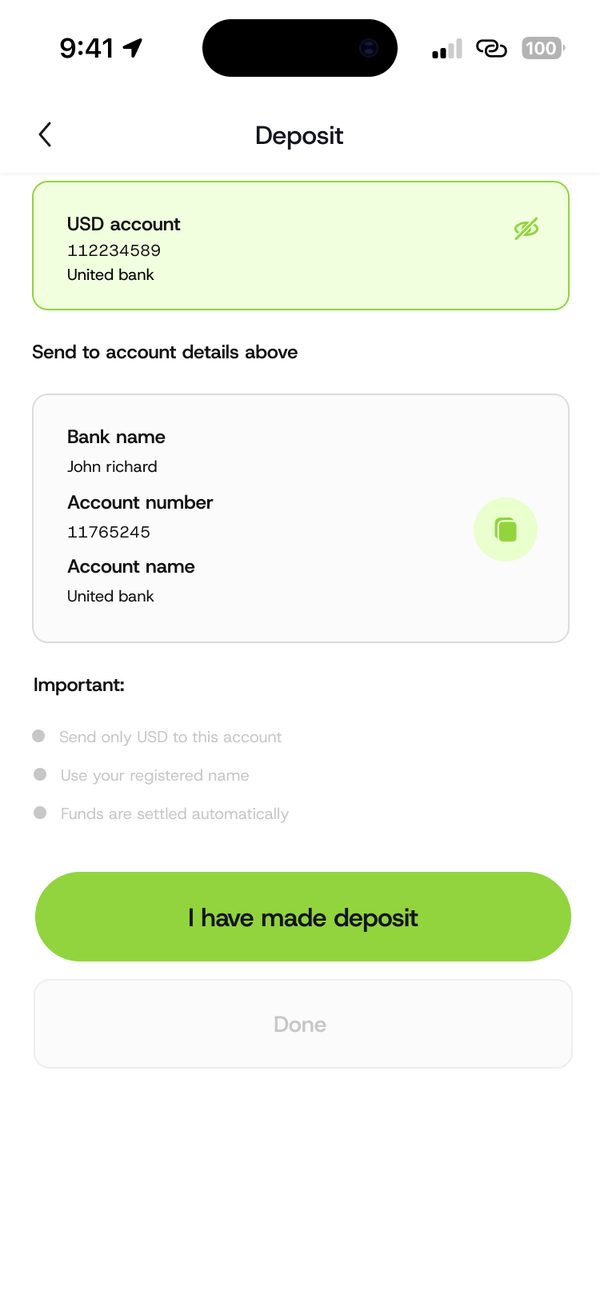
Share your details or a payment link.
Receive dollars from people and platforms abroad.
Create a link with an amount and share it by WhatsApp, email and more.
Hold dollars, or swap when you need Naira.
Questions
Yes. Share your USD account details with the person or platform paying you.
Only if you turn on Allow partial payment when you create the link.
Sign up, fund your wallet and make your first payment.
