Buy gift cards
Pick a brand, choose the country and amount, and pay from your KnoxxPay wallet. Your code shows on screen with a Copy code button.
Read the step-by-step guide →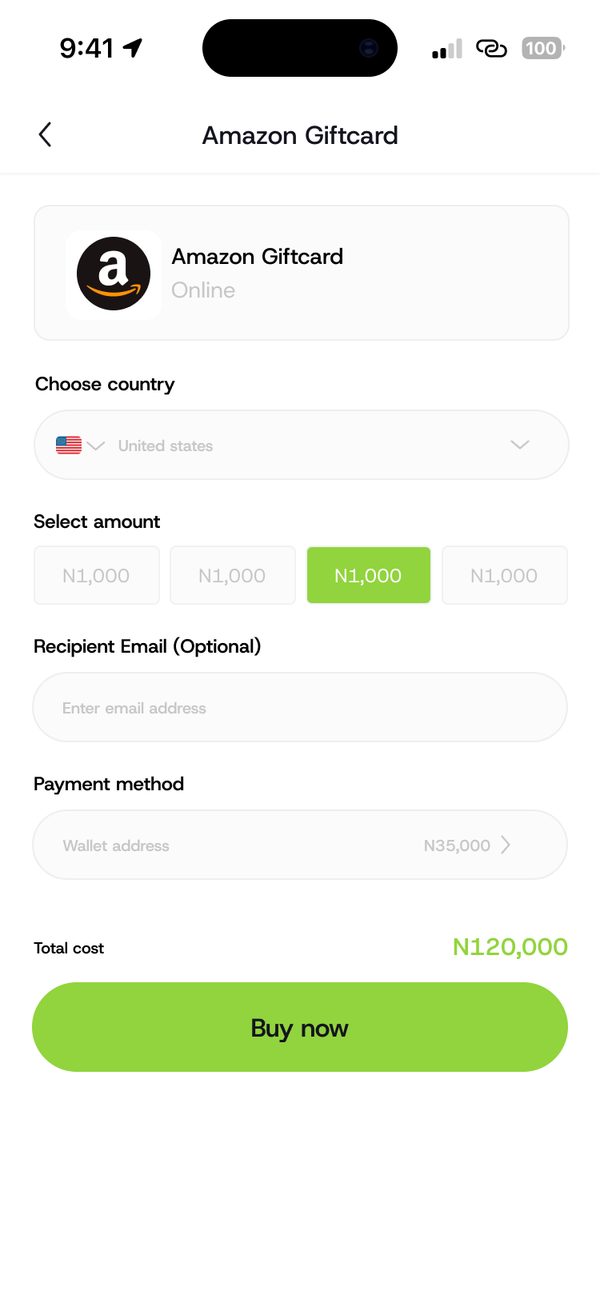
How it works
Step 1
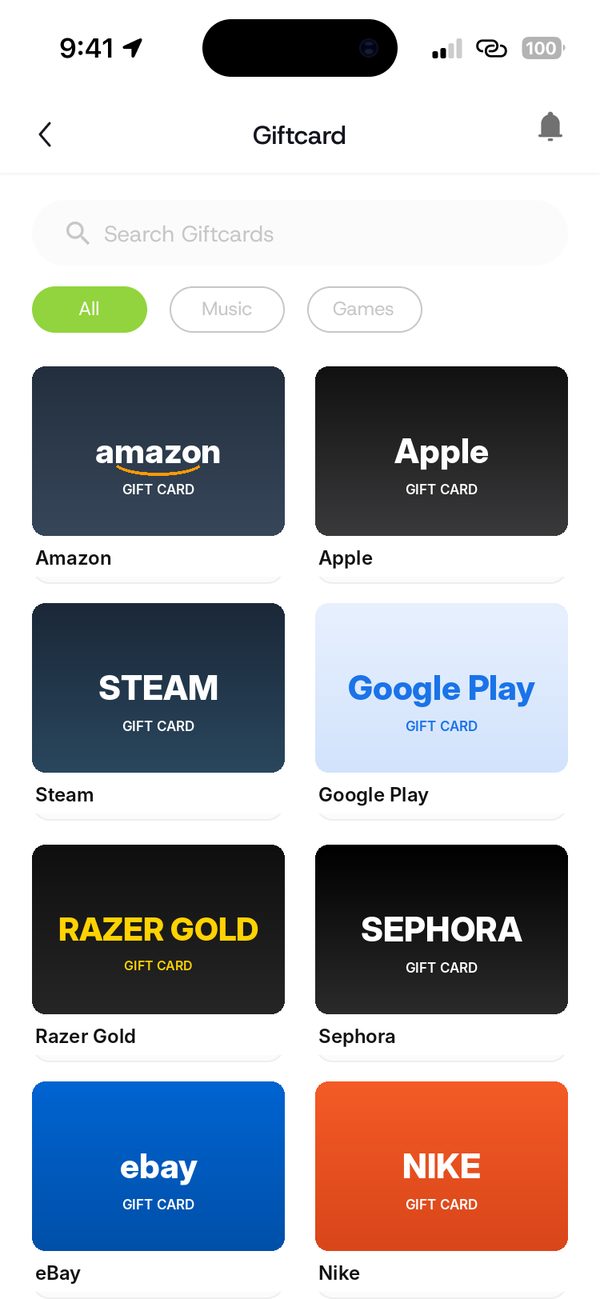
Tap Gift cards and choose a brand.
Step 2
Pick the country and amount. Add an email if you want the code sent there.
Step 3
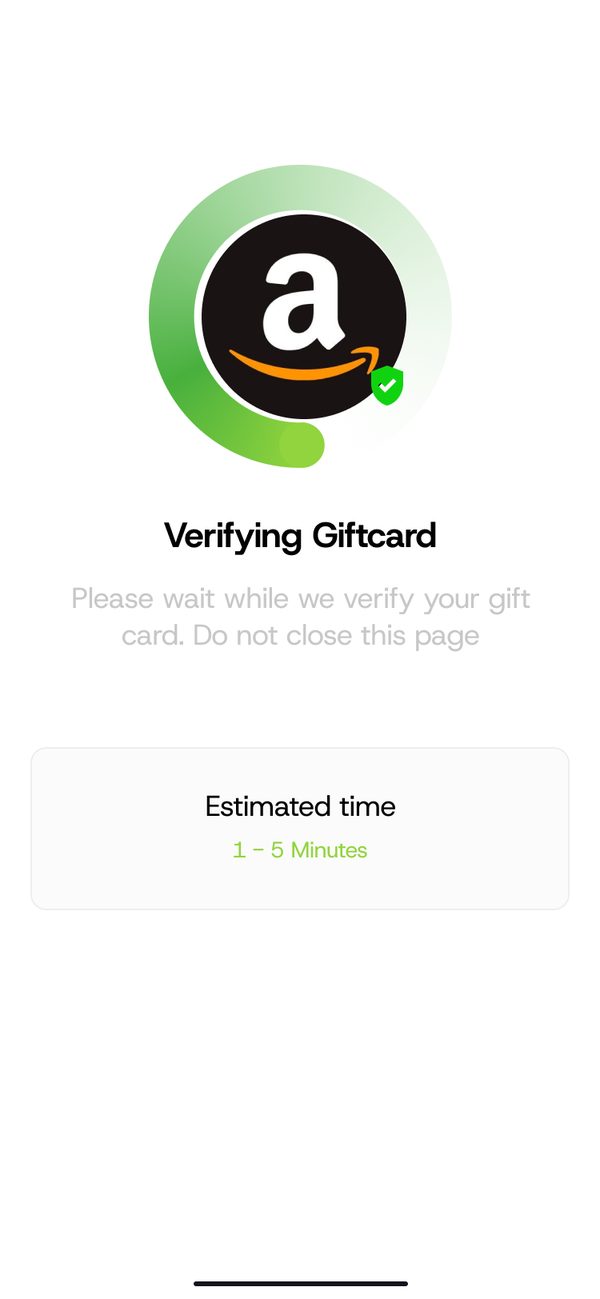
Tap Buy now and pay from your KnoxxPay wallet.
Step 4
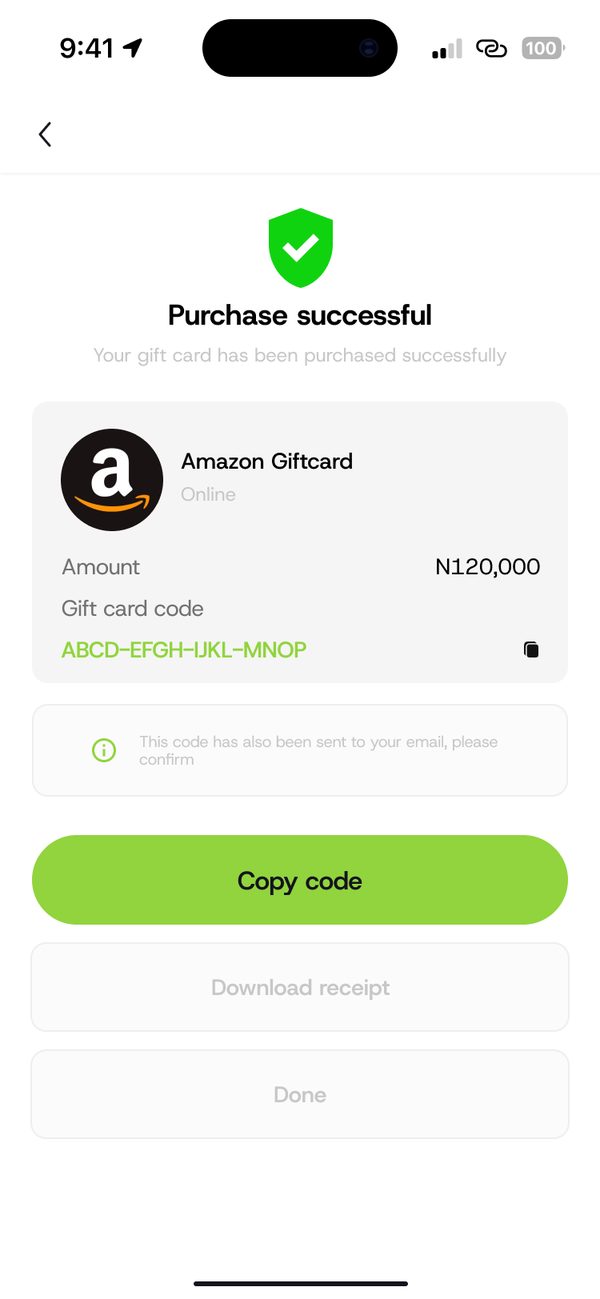
Your code shows on screen. Tap Copy code.
No card details needed. Pay with your Naira balance.
Copy your code as soon as it is ready.
Every purchase is saved in Transactions.
Questions
Open Transactions and tap the purchase to see its details.
Top up your Naira wallet first, then try again.
Sign up, fund your wallet and make your first payment.
