
How to view your transaction history and receipts
Short answer
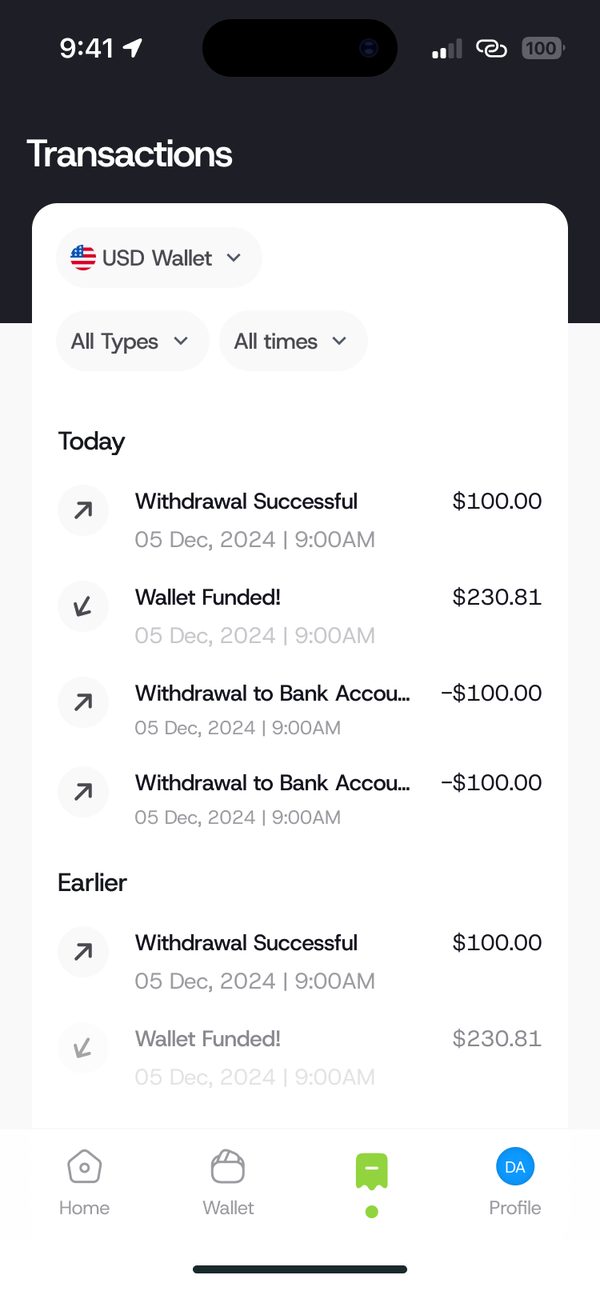
Tap History. Filter by wallet, type and time. Tap any transaction to open its receipt, where you can share it or report a problem.
Video guide coming soonFollow the steps below for now.
Step by step
Step 1
Open History
Tap History at the bottom of the app.
Step 2
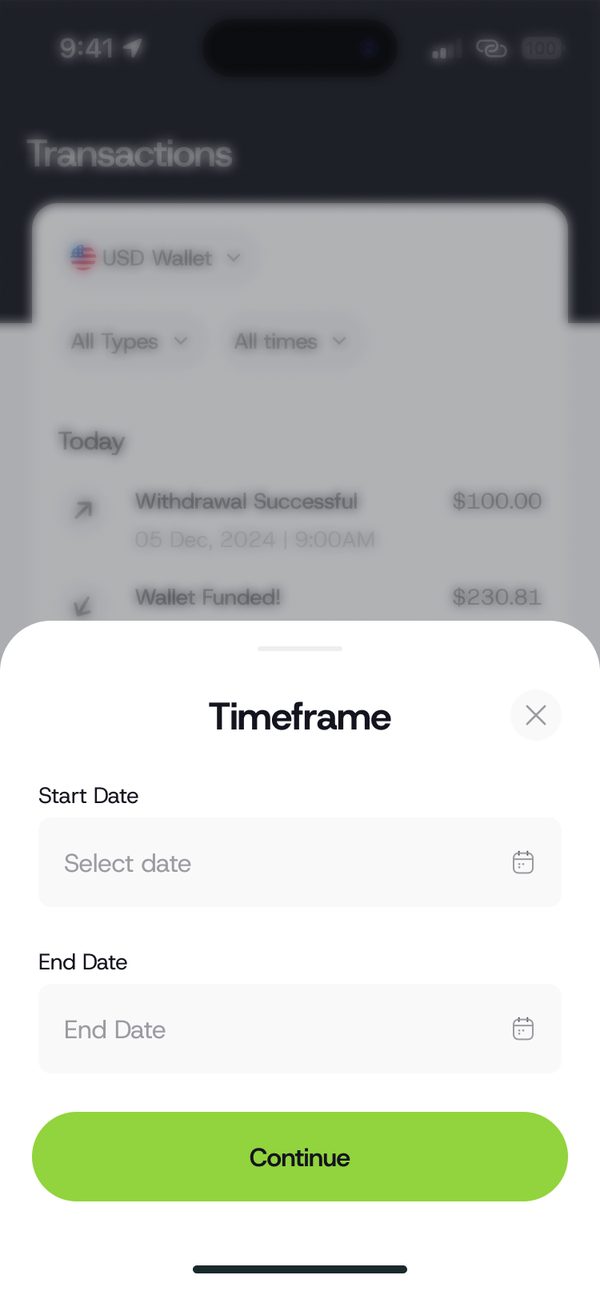
Filter by time
Use the timeframe filter to pick a start and end date.
Step 3
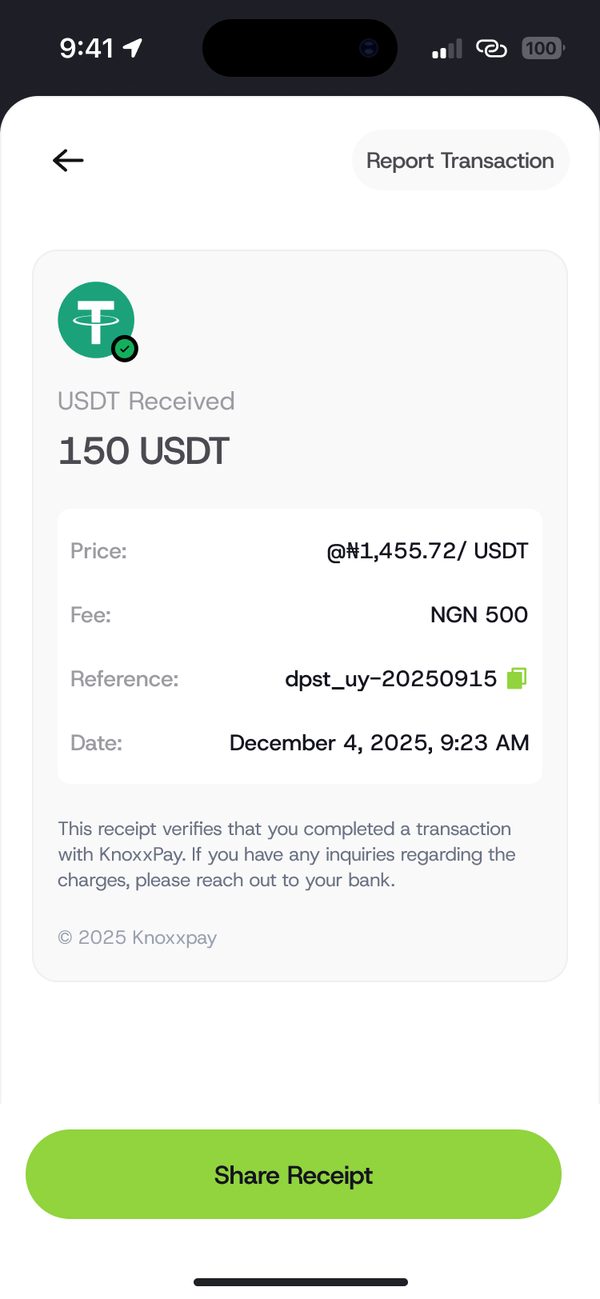
Open a receipt
Tap a transaction to see its receipt. Share it or tap Report Transaction.
Was this article helpful?
Still need help?
Chat with us. A real person will pick it up.