
Bills
GOtv Subscription Price in Nigeria (2026): New Easy, Starter, Select and Sports Packages
GOtv Nigeria now has four packages: Easy ₦4,000, Starter ₦6,000, Select ₦11,000 and Sports ₦21,000. See the channels, how prices c...
Bills
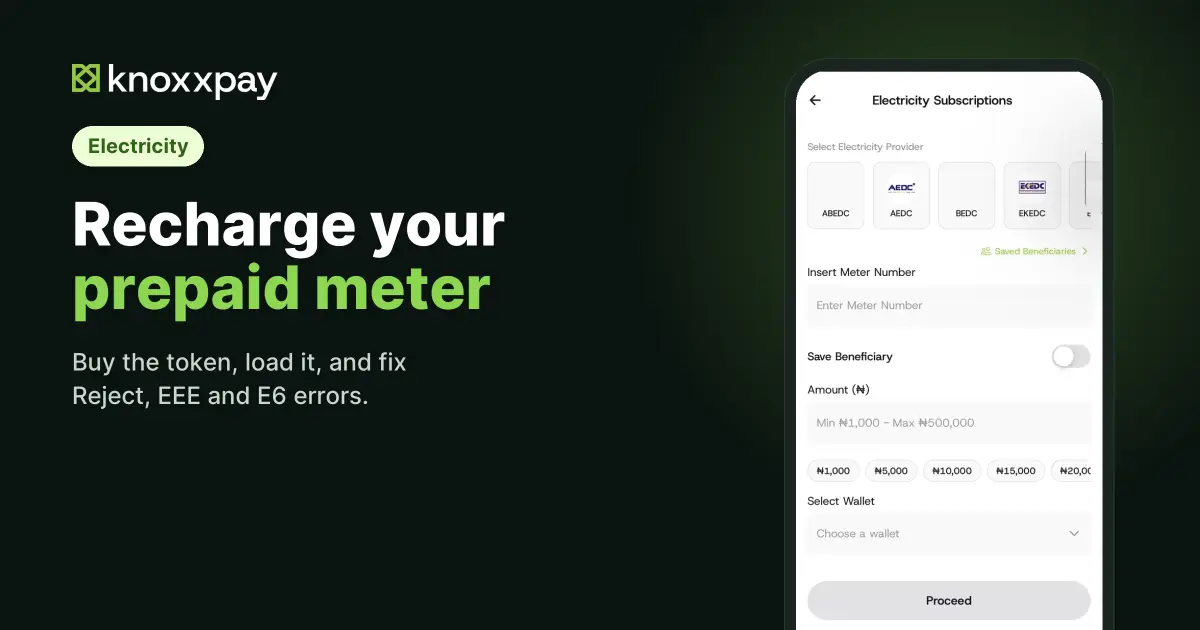
Quick answer: To recharge a prepaid meter in Nigeria, buy an electricity token for your meter number from your disco, your bank or an app, then type the 20-digit token on your meter keypad and press Enter. If the meter shows Reject or EEE, it usually needs two key change tokens (KCT) from your disco first.
The light goes off at night. You buy a token, type all 20 digits on the keypad, and the screen says Reject. Or the money leaves your account and no token comes at all.
This guide shows how to recharge a prepaid meter step by step. Then it shows where a recharge can go wrong, what each error on your meter means, and who can fix it, so you call the right people the first time.
You recharge a prepaid meter in two parts: you buy a token for your meter number, then you load that token on your meter. You need three things before you start: your meter number, the name of your disco (your electricity distribution company) and money in your wallet or bank account.
Each token is made for one meter and works only once. That is how the STS token system used by Nigerian prepaid meters stops fraud, according to the electricity regulator, NERC. So a token bought for the wrong meter number cannot be moved to yours.
On KnoxxPay you buy light from the Pay Bills screen. The app lists 12 discos: ABEDC, AEDC, BEDC, EKEDC, EEDC, IBEDC, IKEDC, JED, KEDCO, KAEDCO, PHED and YEDC.
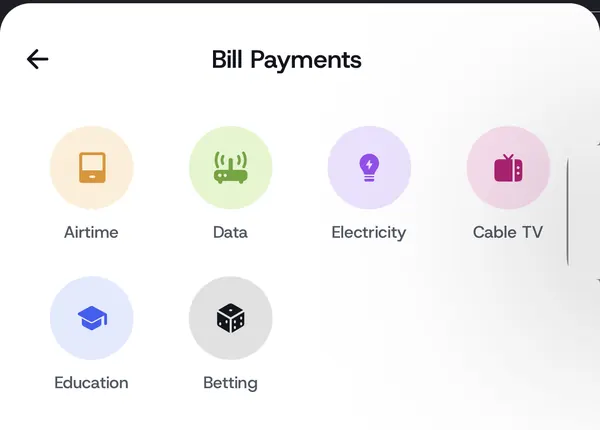
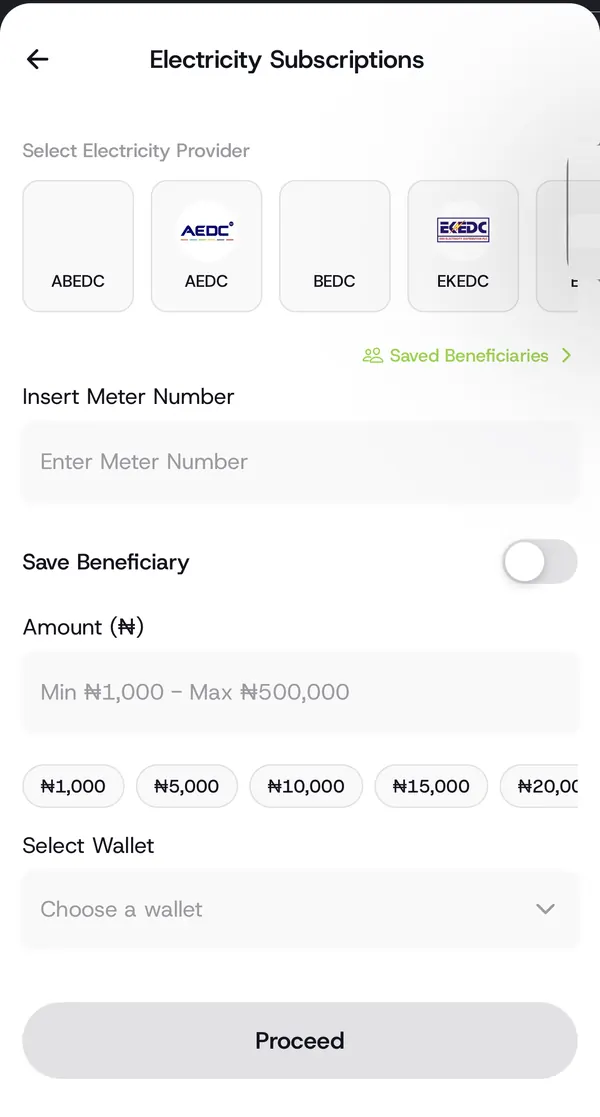
For the same steps with video, see how to pay your electricity bill and get your token in the KnoxxPay Help Center. You can also buy airtime, data, exam PINs and TV from the same Bill Payments screen, including GOtv and DStv renewals.
A recharge can fail in three different places, and each one has a different person who can fix it. If you call your disco about a payment problem, or call the app about a meter problem, you can lose a day. Find your row first.
| Where it failed | What you see | Who can fix it | First thing to do |
|---|---|---|---|
| 1. The payment | Money left your wallet or bank, but there is no token on the receipt | The app, bank or vendor you paid with | Open the transaction in your history. If there is no token, report it with the reference number |
| 2. Typing the token | E6, Link error, Time out, or the screen blinks and shows nothing | You, at home | Type all 20 digits again slowly. Check the keypad battery and that it is close to the meter |
| 3. The meter | Reject, EEE, a spanner sign, or 0 units after loading | Your disco | Ask your disco for key change tokens (KCT) or a clear tamper code. Keep your token |
On KnoxxPay, a failed bill payment shows a Payment Failed screen. If money left your wallet, open the receipt from History and tap Report Transaction, as our Help Center explains for failed bill payments. If you paid at your disco, JED’s advice is to report “debited but no token” to its customer care unit.
For row 3, do not throw the token away. The disco steps below load the KCT first and then the same credit token.
The message on your keypad tells you what went wrong. These meanings come from the discos’ own help pages. Meter brands use different words, so if yours is not here, ask your disco.
| You see | What it means | What to do |
|---|---|---|
| E6 | You typed fewer than 20 digits (JED) | Type the full token again |
| Link error | The keypad is not talking to the meter (JED) | Pair the keypad, use a strong new battery, put the changeover on utility supply, and plug the keypad into a socket with few joints, like a cooker socket |
| Time out | The keypad lost contact while loading (JED) | Check the pairing, change the battery, then load again |
| Log out | JED’s FAQ gives the fix, not the cause | Do not use the meter for 24 hours. If it stays, report to your disco |
| Reject | The meter needs new key change tokens (BEDC) | Get your two KCTs from your disco, load them, then load your token |
| EEE | The token was made on a different tariff from the one your meter holds (BEDC) | Ask your disco for a KCT for your tariff |
| Spanner sign | The meter is in tamper mode (BEDC) | Ask your disco for a clear tamper code |
| Blinks, shows nothing | A wrong digit, or the keypad is not paired (BEDC) | Type it again and check the pairing |
| 0 units after loading | The token did not load, it went to pay back borrowed units, or the meter is faulty (JED) | Check the credit screen. If it stays at zero, report to your disco |
A key change token, or KCT, is a set of two 20-digit numbers (40 digits in all) that updates your meter so it can accept new tokens. JED says you need it when the meter’s tariff index changes. Benin Electric (BEDC) adds a change of platform.
The best-known reason for KCT is the TID rollover. NERC’s order NERC/2023/005 explains that tokens made after 24 November 2024 would be rejected by STS meters that were not updated. It ordered discos to update the meters in their network by 31 July 2024. If your meter was never updated, every new token will show Reject until you load the KCTs.
Abuja Electricity (AEDC) gives this order for loading:
BEDC says it takes 24 hours to generate a KCT or clear tamper code. If the KCT you got does not work, BEDC’s answer is that the right tariff was not used when it was made, so go back to the disco with your meter number and tariff.
You do not need a KCT for every recharge. JED is clear on this: only when the tariff index changes.
Key takeaways
Yes. You can buy the token in your bank app, on your disco’s website or in a bills app like KnoxxPay. You still type the token on your meter keypad yourself. The phone only buys it.
JED says the minimum is the amount that covers 1 kWh on your tariff band, plus VAT and any service charge. In the KnoxxPay app, the smallest electricity payment is ₦1,000 and the largest is ₦500,000.
BEDC says Reject means the meter needs new key change tokens (KCT). Ask your disco for your two KCTs, load them one after the other, then load the same token again.
No. JED says you only need a KCT when your meter’s tariff index changes. Once your meter accepts the KCTs, normal tokens load on their own.
Check the receipt in your transaction history first, because the token is printed there. If it is not there, report the payment to the app or bank you used with the reference number. In KnoxxPay, open the receipt and tap Report Transaction.
As many times as you want. JED says you can recharge as often as you can afford, based on how much light you use.
Sources: NERC Order NERC/2023/005 on the migration of the token identifier of STS meters (dated 6 July 2023); AEDC, About TID Rollover; JED Plc FAQs; BEDC Electricity FAQ; Ikeja Electric KCT check; KnoxxPay Help Center articles on paying for electricity, failed bill payments and reporting a transaction. All checked on 25 November 2026. Error names differ by meter brand. If your meter shows something not listed here, your disco’s customer care can tell you what it means.
Bills
GOtv Nigeria now has four packages: Easy ₦4,000, Starter ₦6,000, Select ₦11,000 and Sports ₦21,000. See the channels, how prices c...
Bills
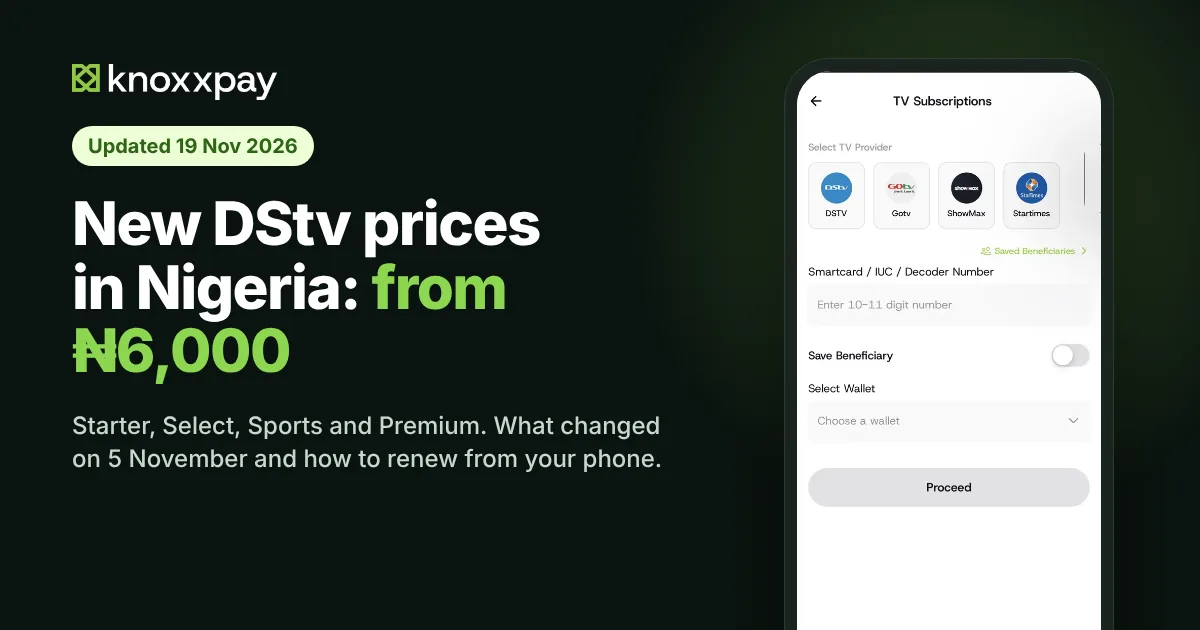
DStv Nigeria now has four packages: Starter ₦6,000, Select ₦11,000, Sports ₦21,000 and Premium ₦44,500. See what changed on 5 Nove...