Pay bills
Pick a service, enter the number and amount, then confirm with your 4 digit PIN. Your electricity token shows on your receipt.
Read the step-by-step guide →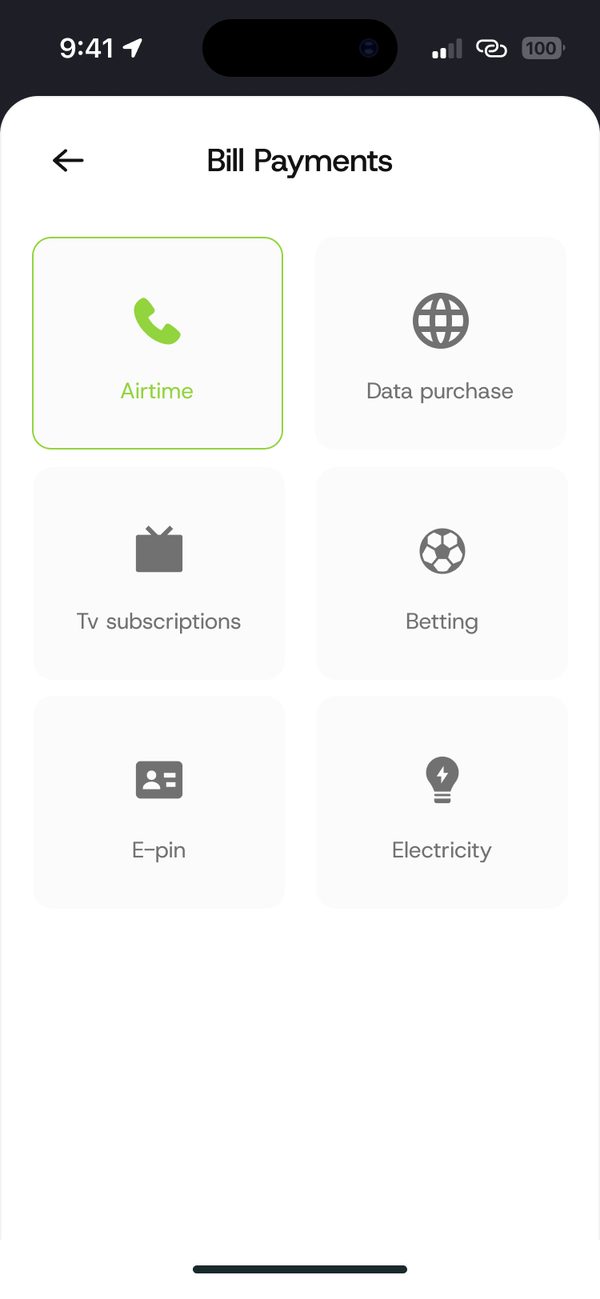
How it works
Step 1
Tap Bill payments and choose airtime, data, electricity, TV, exam PINs or betting (18+).
Step 2
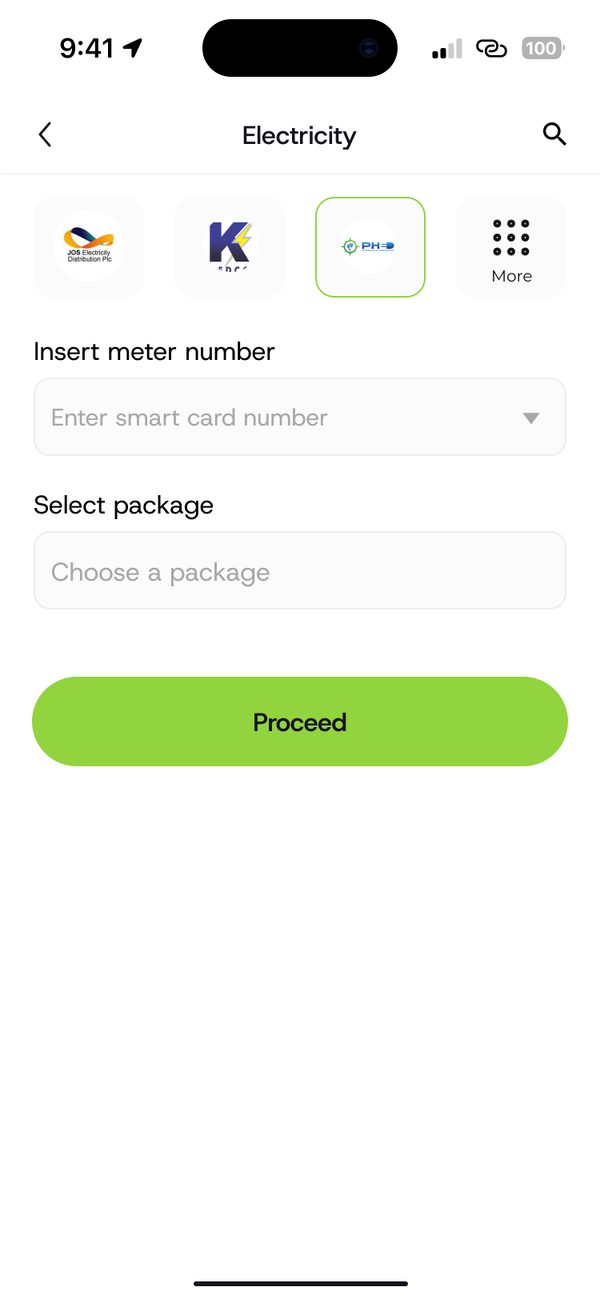
Add the phone, meter or card number and the amount.
Step 3
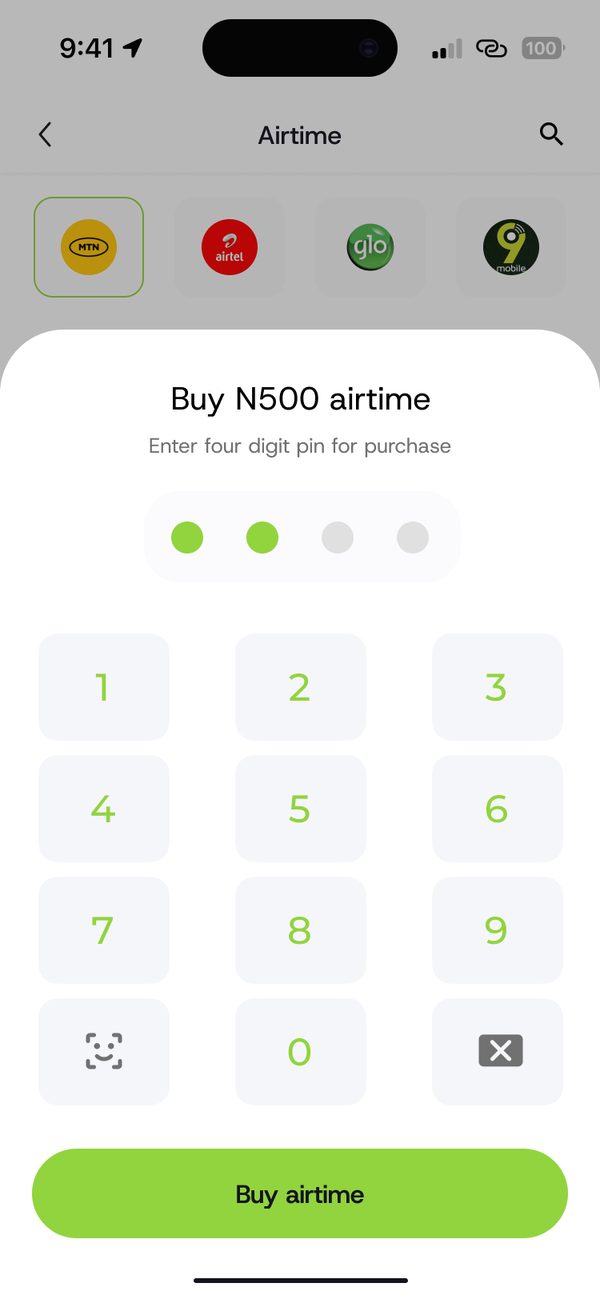
Check the summary and enter your 4 digit PIN.
Step 4
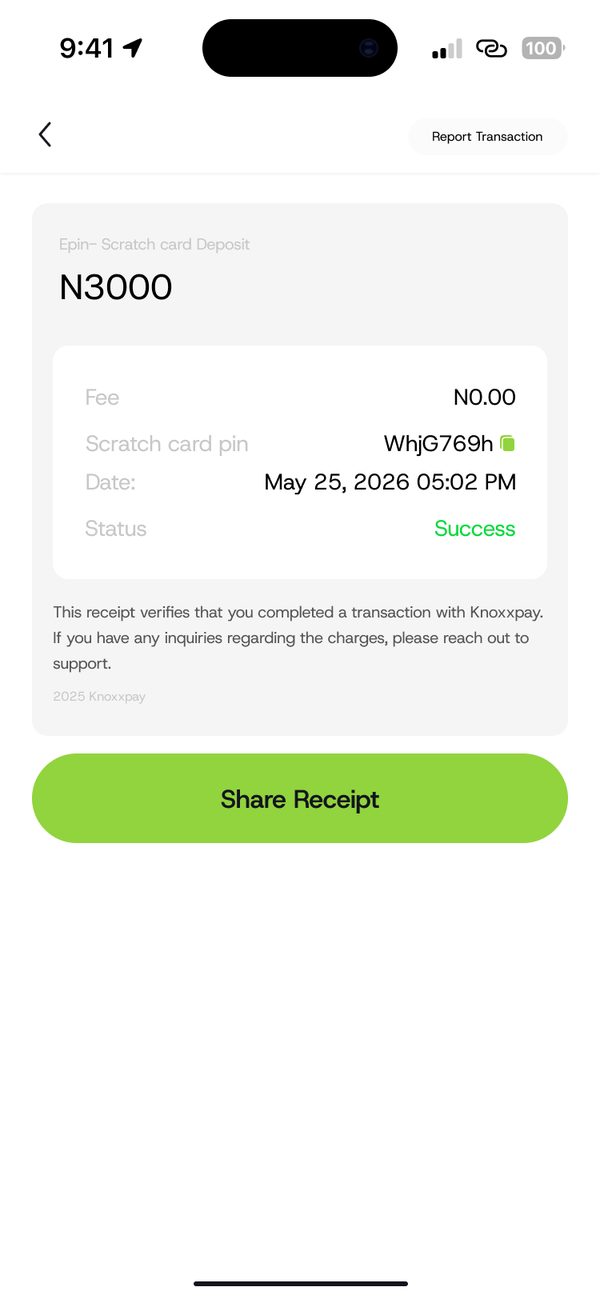
Your receipt and any token show right away.
Airtime, data, electricity, TV, exam PINs and betting top ups (18+).
Your electricity token shows as soon as you pay.
Every payment needs your 4 digit PIN.
Questions
On your payment receipt, right after you pay. You can also find it in your transaction history.
Yes. Enter their phone number instead of yours.
Check your transaction history for the status, then report the transaction from its receipt so we can help.
Sign up, fund your wallet and make your first payment.
